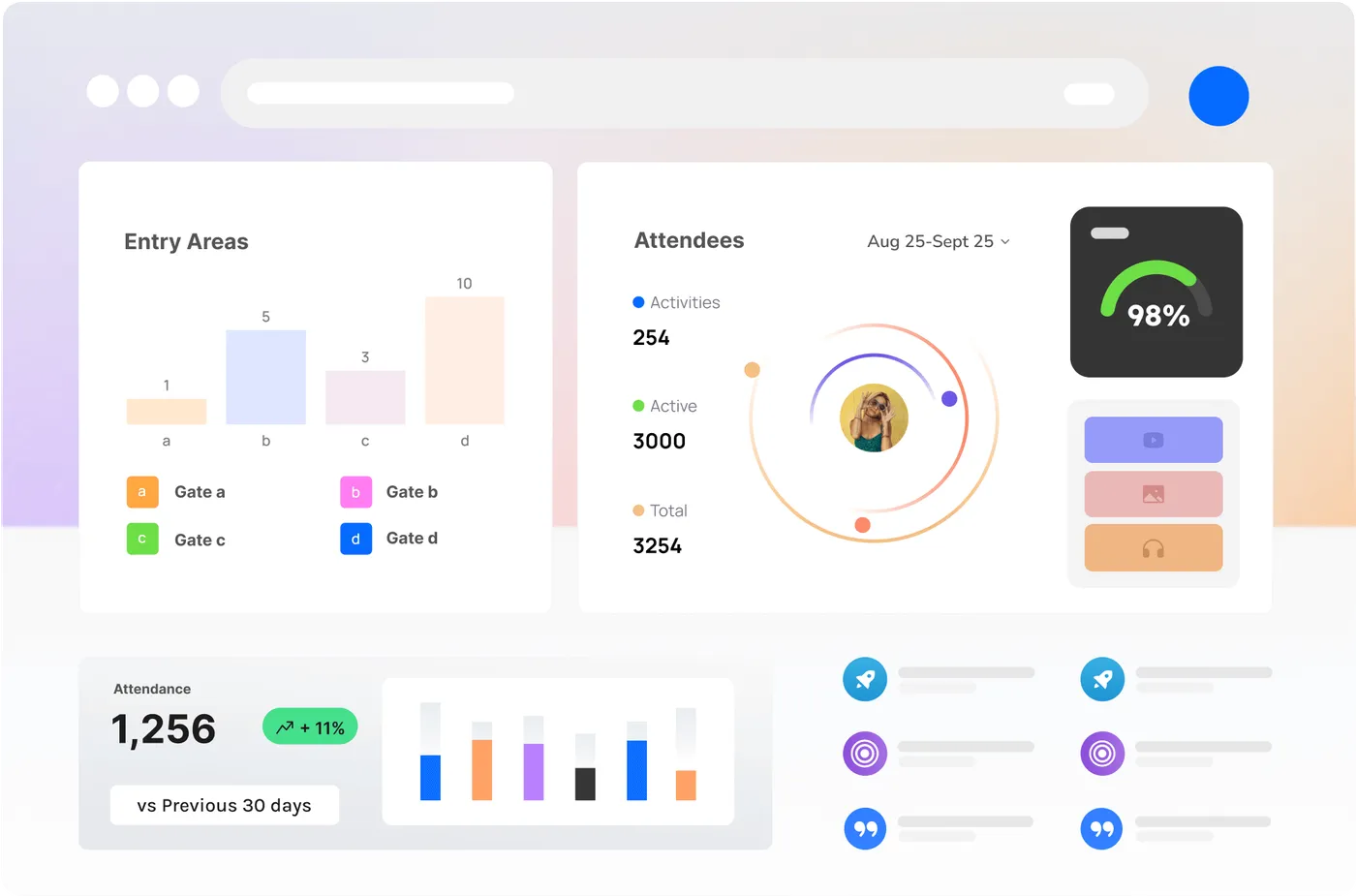
A Live Model of Your Site
Every node, camera and count is assembled into one operational picture of the site — zoned the way your crews already talk about it. Business rules you write turn measurement into alerts, reporting and progress analysis, without anybody retyping a field report.
Not a Dashboard. An Operational Twin.
A dashboard shows you numbers and leaves the interpreting to you. A twin knows the site — which zone is which, what should be happening there, and who needs to know when it is not.
The questions on a construction site or a mine are consistent. Is the exclusion zone clear while plant is operating? Does the gate count match the induction list? Has the stockpile moved this week? How far did we actually get this month?
What the Twin Actually Does
Every input on one model of the site
Vision Nodes, Sense Nodes, existing cameras, gate counts, weather and whatever else you feed in — assembled into a single live picture of the site rather than a folder of separate feeds.
Zones that mean something
Draw the areas that matter — laydown, haul road, exclusion zone, gate, level three — and every measurement lands against a place your team already has a name for.
Business rules, not dashboards
If an exclusion zone is occupied while plant is operating, if a gate count exceeds the induction list, if a stockpile has not moved in three days — you write the rule and the site enforces it.
Alerts to the person who can act
Rules route to a role, a channel or a system: push to the Companion App, a webhook into your own tooling. Not an email nobody opens.
Reporting that assembles itself
The daily report, the weekly progress update and the monthly claim are generated from what was measured, not retyped from someone’s notes at 6pm.
Progress you can watch
Timelapse and retrospective review sit on the same timeline as the metrics, so "how far did we get this month" is a query rather than an argument.
Instrument, Model, Automate, Review
- 01
Instrument
Nodes go up on batteries, solar or mains, over wifi, 4G or the off-grid mesh. No site power or network required to start.
- 02
Model
Zones, assets and the models that watch them are configured against your site plan, so the data arrives already meaning something.
- 03
Automate
Business rules turn measurements into alerts, and alerts into a record. The reporting cadence you already owe someone gets generated.
- 04
Review
Scrub back through any moment, compare periods, and hand over an archive that settles claims and disputes.
Construction and Mining First
Both run sites where the network is poor, the stakes are high, and somebody owes somebody a report every week.
ConstructionSense
Progress claims backed by dated evidence, PPE and exclusion-zone checks, after-hours security, and a handover archive the client can keep.
Explore ConstructionSense →MiningSense
Exclusion zones around operating plant, haul road and vehicle movement, stockpile progress, and fire and environmental watch on ground with no coverage.
Explore MiningSense →Rules In, Reports Out
You write the rule once — exclusion zone occupied while plant is operating, gate count over the induction list, stockpile unmoved for three days — and the site enforces it continuously.
Alerts route to a role, a channel or a webhook, and the daily, weekly and monthly reporting generates from what was measured rather than what someone remembered.
Digital Twins, Answered
Is this a 3D model of the site?
Not in the BIM sense. It is an operational twin: a live, zoned model of what is happening across your site — who and what is where, what has moved, what has changed — indexed over time. It complements a design model rather than replacing it, and it can feed data into the tools that hold your 3D geometry.
What do we need on site to start?
Power for nothing but the nodes, and often not even that. Battery and solar nodes reporting over 4G cover greenfield sites and remote pits. Where you already have cameras and network, we use them.
Who writes the business rules?
You define what matters and we configure it with you — thresholds, zones, times of day, and who each rule notifies. They are yours to change as the site moves through phases.
Can it feed our existing reporting?
Yes. Everything is available through a REST API, webhooks and an MCP server, so the twin can push into your project controls, BI stack or an AI agent you already use rather than becoming another portal to check.
How does this handle worker privacy?
Detection is about presence, count and compliance — not identity. There is no facial recognition and no biometric matching, and retrospective imagery is rendered as anonymised silhouettes by default. On a site with a WHS management plan, we help word what workers are told at induction.

Build a Twin of Your Site
See live occupancy, queues and crowd flow — and how they’d work on your site.