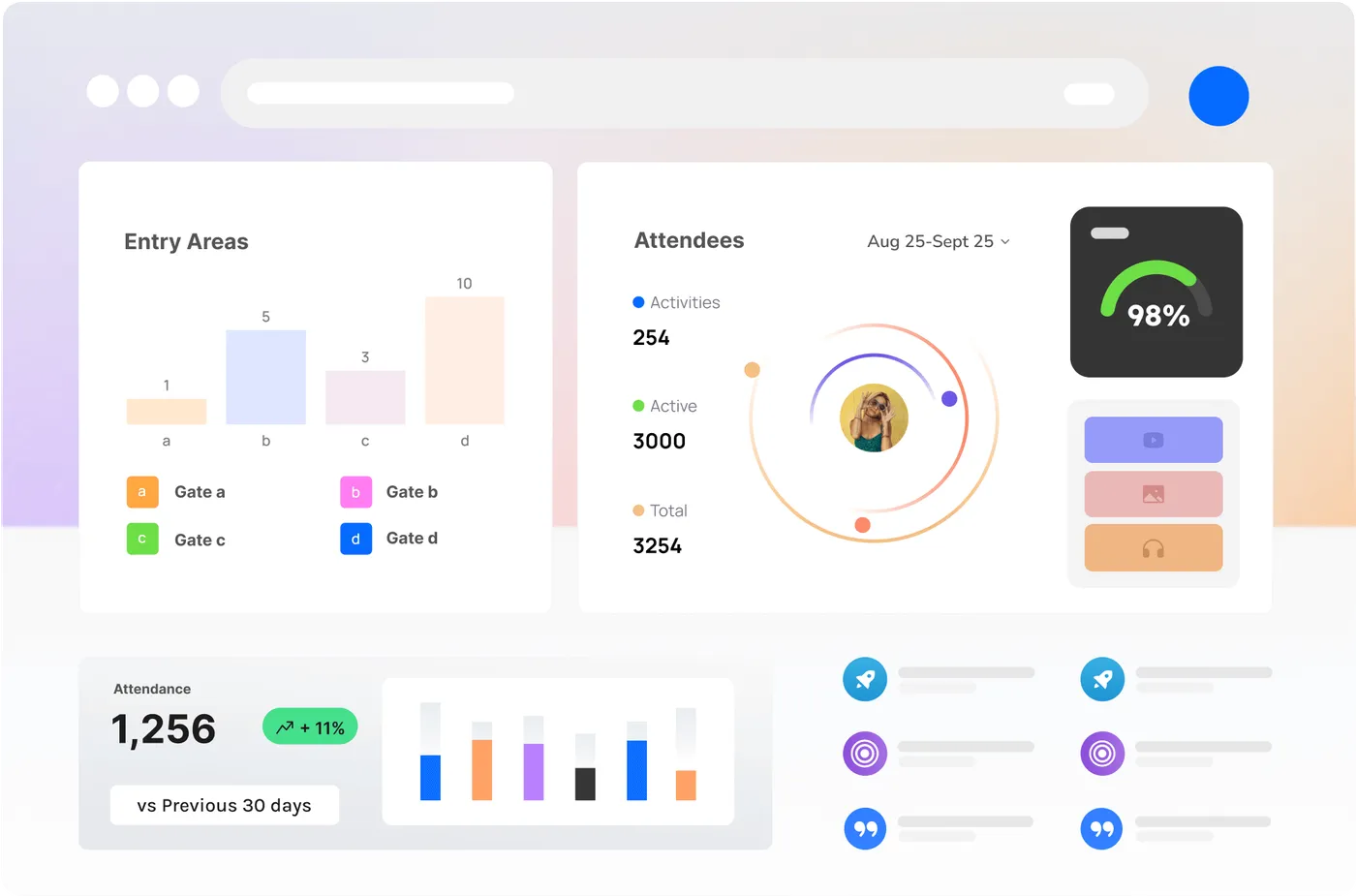
One Room. The Whole Site.
Every node, every camera, every crew member and every screen on one console, with the power to act on what you see. And when it is over, the whole event is still there to scrub back through.
A Common Operating Picture, Live
Event teams run on radios, group chats and a lot of walking. The Control Room replaces that with one shared picture everyone is looking at — the same map, the same numbers, the same version of what is happening right now.
Thresholds you set turn a rising number into a visible warning before anyone has to notice it, so the room is looking at the gate that is about to bank up rather than the one that already has.
Four Views, One Screen
Every node, live
Counts, occupancy, queues and flow from every Vision Node, Sense Node and connected camera on one map. Thresholds you set turn a rising number into a visible warning before anyone has to notice it.
Every crew member, placed
See where your team actually is — checked in through the Companion App, or carried across the LoRa mesh where there is no coverage. Dispatch the person who is closest instead of the person who answers first.
Every camera, one wall
Bring your Vision Nodes and existing CCTV into a single video wall, arranged the way your room works. Click a spiking zone on the map and its camera comes to the front.
Every screen, one hand
Control the whole signage network from the same console. Change a message, redirect a queue or take over every display on site — then hand them all back to their schedule in one click.
See It, Then Do Something About It
Alerts that reach the right people
Route a threshold breach to a role, a zone or an individual — as a push to the Companion App, an email or a webhook into whatever your team already watches.
One-touch site-wide takeover
Evacuation, severe weather, a lost child, a headline moment: push one message to every screen, every phone and every channel at once, with a log of exactly who was told and when.
A decision log that writes itself
Every alert, acknowledgement, override and takeover is timestamped automatically. The incident log stops being someone’s job at 2am and becomes a by-product of running the event.
Roles, not free-for-all
Control who can watch, who can dispatch and who can take over screens. A sponsor, a caterer and a duty manager all get a different room.
Runs when the venue doesn’t
Node data crosses the off-grid mesh and buffers locally through dropouts, so the picture keeps updating when venue wifi and cellular give up.
One room, many sites
Run a season, a precinct or a portfolio from the same console. Switch sites without switching tools, and compare them on the same axes.
Report, See, Act, Recall
- 01
Everything reports in
Nodes, cameras, crew check-ins and screens all feed the same platform — over wifi, 4G, Ethernet or the off-grid mesh.
- 02
The room sees it as one picture
Map, video wall, crew positions and screen states on one console, with thresholds turning raw numbers into things worth looking at.
- 03
You act, it remembers
Dispatch, message, alert or take over every screen — and every one of those actions lands in a timestamped record.
- 04
Recall it later
Scrub back through the event, export the debrief, or let your own tools query the Brain through the API and webhooks.
The Event Does Not End When the Gates Close
Rewind the whole site
Scrub back to any moment and see what every node saw and every metric said at that second — frosted, so the review is about what happened, not who was there.
The debrief is already written
Peak occupancy, every threshold breach, every alert and every decision, exported as a timeline. Walk into the after-action review with the record instead of assembling it.
Evidence when it is asked for
Insurers, regulators, councils and clients all eventually ask what happened and when. Timestamped metrics and keyframes answer it without a week of reconstruction.
Compare this year to last
Same gates, same zones, same measures — season over season. The recall archive is also the benchmark you plan the next one against.
Everything the Site Knows, Reachable
Under the room sits the Brain — the indexed record of every count, every alert and every decision, held together so the whole event can be asked a question rather than reconstructed from notes.
People reach it through the console. Software reaches it through a REST API and webhooks, so your own tools work from exactly the same truth the room does. An MCP surface for AI agents is designed and on the roadmap.
Ask It, Pull It, Push It
Ask it, through MCP (on the roadmap)
An MCP surface over the same record is designed and not yet shipped: an AI assistant you already use will query the site in plain language — "what was occupancy at the north gate when the alert fired?" — and get real numbers back, scoped to what that agent is allowed to see. The record it reads is already structured, event-scoped and permissioned, so this is an interface rather than a rebuild.
Pull it, through the API
A REST API over live and historical metrics, events, node health and the decision log. The same endpoints that feed the Control Room feed your BI stack.
Push it, through webhooks
Subscribe to thresholds, alerts and state changes and have them delivered to your systems the moment they happen — ticketing, rostering, comms, or your own automation.
Scoped, audited, reversible
Tokens are scoped per integration with read and write separated, every call is logged, and access can be revoked in a click. An agent that can read the site cannot quietly start changing it.
The Control Room, Answered
Is the Control Room a physical room or software?
Software. It runs in a browser, so it works on a video wall in a purpose-built room, on a laptop in a site office, or on a tablet in the back of a truck. Most operators use all three across a single event.
How does crew tracking work, and how do staff feel about it?
Crew appear through the Companion App — by check-in and, where enabled, live position, carried across the LoRa mesh in places with no coverage. It is scoped to shift and to role, and it exists so the closest person gets sent rather than the loudest. We recommend telling crews plainly what is on during induction, and the platform makes that easy to configure.
Can it control screens we did not buy from you?
The signage network CrowdSense supplies is controlled directly from the console. For other systems, the Brain can push takeovers and messages out through webhooks and the API — talk to us about what you are running.
How far back does recall go?
Metrics and the decision log are kept for the life of your account so you can compare seasons. Keyframe imagery has its own retention setting per site, because that is the part with a privacy cost — keep it for a week or a season, your call.
What can an AI agent connected to the Brain actually do?
Whatever its token allows. Read-only is the default: query live and historical metrics, node status, alerts and the decision log through the API. Write access — raising an alert, pushing a screen takeover — is granted separately, logged on every call, and revocable.
Does it work if the venue network fails?
Yes. Nodes buffer locally and relay over the off-grid mesh, screens keep playing from cached content, and the Companion App keeps crews connected. The room reconciles the full record once the link returns.

See Your Whole Site on One Screen
See live occupancy, queues and crowd flow — and how they’d work on your site.