Skip to content
CrowdSense Desktop

Your Cameras. Your PC. Live Crowd Numbers.

Install the app on a Windows computer, point it at the cameras you already have, and count people, queues and vehicles live. The video stays on site; only the numbers reach your dashboards. Try it free for 14 days.

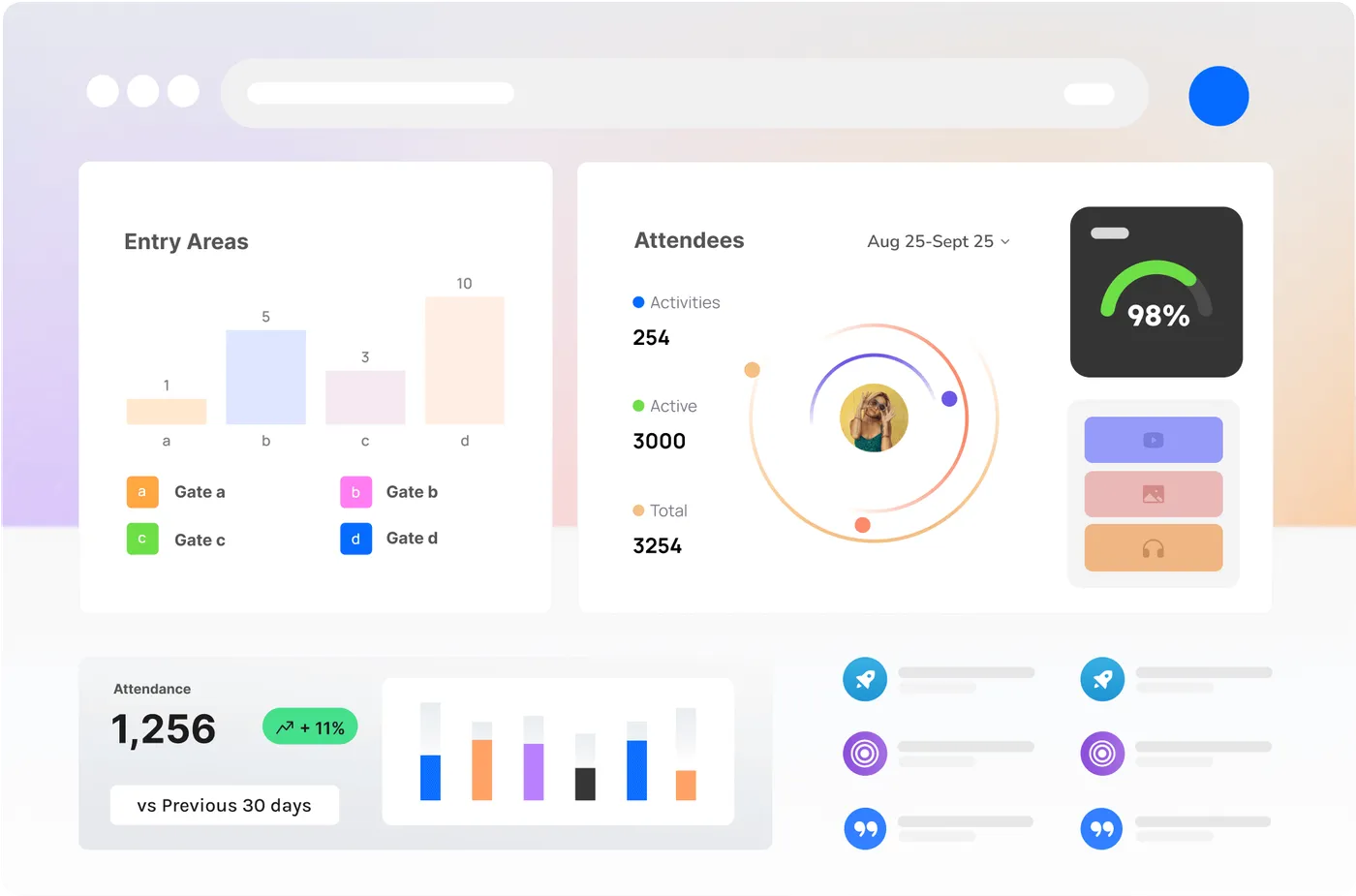
CrowdSense dashboard showing live counts, occupancy and trends
Any RTSP camera or webcam
Video never leaves your site
People, queues, vehicles, occupancy
Dashboards, alerts, API, webhooks
How it works

From Download to Live Numbers in an Afternoon

  1. 01

    Choose a plan

    An event pass for one event, or always-on for a venue with a 14-day free trial. Your card is taken securely by Stripe.

  2. 02

    Download and install

    Install CrowdSense Desktop on a Windows PC on the same network as your cameras. About 168 MB.

  3. 03

    Ask us to activate

    Tell us the computer’s name, your cameras and who needs a login. A person checks the account and switches your feeds on, usually the same business day.

  4. 04

    Draw lines, watch the numbers

    Sign in to the app, add each camera, draw the lines and zones, and the counts reach your dashboards, alerts, reports and API.

Privacy by design

The Pictures Stay Put. The Numbers Travel.

Every camera is analysed on your own computer. What leaves the building is a line of text: a count, a line crossed, a zone joined. No video, no images, nothing that identifies a person, and no facial recognition.

That also means a thin or patchy internet link is fine. A 4G modem on a festival site carries the numbers from dozens of cameras.

Specifications

What It Runs On and What It Sees

Version 3.7.17. One feed is one camera stream. These are the engine’s published figures for 1080p streams.

One process per camera

Each video channel runs as its own Windows process. No Windows sign-in is required to keep it running.

Metadata only on the wire

The pictures stay on the machine. Only events (line crossed, zone joined, and the like) leave the site, so a thin or unstable link still works.

Tune it on the box

A live view and a recent-events list sit next to the stream, so lines and zones can be set and checked on site without waiting on the cloud.

Computer

  • Windows 10, 11 or Server, 64-bit (the installer is x64).
  • A processor with AVX2 for the AI profiles (most Intel Core and AMD Ryzen chips since 2015).
  • A discrete graphics card is optional; it helps at the top of the range by decoding video faster.
  • No Windows sign-in needed to keep it running: each camera runs as its own background service.
  • Installer 168 MB. Internet: the numbers only, so 4G is plenty.
Feeds per computer, 1080p
ComputerAI profilesBasic motion
Intel i9, 64 GB RAM, GeForce RTX30+ feeds40–80 feeds
Intel i7, 32 GB RAM7–15 feeds25–35 feeds
Intel i5, 16 GB RAM5–10 feeds17–25 feeds
Intel i3, 8 GB RAM3–6 feeds10–20 feeds
Intel Celeron / Atom, 4 GB RAMNot supported3–7 feeds

Tested example: Intel i9-14900K (3.20 GHz), 64 GB RAM, Nvidia GeForce RTX 4070. Tested at 30 feeds. AMD processors follow the same bands.

Detection profiles

ProfileDetectsAccuracyClasses
AI profilesPeople, vehicles or facesUp to 98% in good conditionsPerson, bike, car, van, truck, bus. Face age and gender on the faces profile.
Basic motionAny moving objectOverhead up to 92%. Tilted up to 80%. in good conditionsNone

Cameras

What it will talk to
Any webcam. Any IP camera that can stream RTSP. ONVIF is not required. It is useful for discovery.
Resolution
Any resolution works. Smaller frames (around 360p) are easier on the box, as long as neither side is under 256 pixels. For the faces profile, use 720p or 1080p.
Tilt
Overhead profile: 0–20°. Tilted profile: 20–70°. AI people and vehicles: 20–90°. AI people: 0–90°. AI faces: 80–90°.

Smallest thing it will count

  • AI, vehicle front or back: 4% of frame width
  • AI, vehicle side-on: 10% of frame width
  • AI, person: 3% of frame width
  • AI, face: 4% of frame width
  • Basic motion, any moving object: 3% of frame width, absolute minimum

What you get in the cloud

People and vehicle counts, vehicle classes (bike, car, van, truck, bus), queue length and wait, live occupancy with alerts, dwell and loitering, heatmaps and tracks, automatic speed estimates, scheduled and event recording on the PC, custom charts and reports, embeddable widgets, unlimited users with roles, multi-site roll-ups, and every event through theREST API and webhooks.

Specification sheet (PDF)· Getting-started guide (PDF)· All brochures and PDFs
Plans

Pay for the Feeds You Run

An event pass for one event, or always-on for a venue that counts every day. One feed is one camera stream.

Event pass

One event, every feed you need

$195per feed, per event, ex GST

Up to 5 days, one location, one name and branding. Paid when you book.

  • Every feed for one event: one location, one name and branding, up to five days
  • Feeds live from 14 days before the first day, for set-up and testing
  • Unlimited users, live dashboards and reports
  • A remote set-up check of each feed’s lines and zones
  • Dashboards and the post-event report readable for 3 months after
  • Your card kept for the next event
Book an event pass

Always-on

14-day free trial

Venues, precincts and sites, every day

from$39per feed a month, ex GST

Always-on price per feed per month, ex GST
FeedsMonth to monthPaid yearly
1 to 9 feeds$69$55
10 to 29 feeds$59$47
30 feeds or more$55$39
  • Counts, occupancy, queues, dwell, heatmaps and vehicle classes
  • Unlimited users with roles, dashboards, reports and embeddable widgets
  • Real-time occupancy alerts, REST API and webhooks
  • A remote set-up check of each feed when it is activated
  • Monthly or yearly; add or remove feeds as you go
  • 14-day free trial on up to 4 feeds
Start the free trial

Card taken now, nothing charged for 14 days, cancel any time before. Prices in AUD, GST added at checkout. No cameras? Hire Vision Nodes and crew.

Download

CrowdSense Desktop for Windows

Version 3.7.17, 168 MB, 64-bit. The app installs free; your feeds switch on once the account is activated.

  1. 1. Choose a plan and add your card.
  2. 2. Download and install on the camera network.
  3. 3. Ask us to activate from your account page.
  4. 4. Sign in, add cameras, draw lines.
Solutions

What People Count With It

Sixteen ways the same app is used, from festival gates to car parks.

FAQ

CrowdSense Desktop, Answered

What is a feed?

One camera stream analysed by the app. Four cameras at a gate are four feeds. A camera that sends two streams counts once if only one is analysed.

What counts as one event?

An event runs up to 5 days, at one primary location where people gather, under one name and branding. A series of events, or events at several locations, are several events. You can set the location up as early as 12 months before; the feeds go live 14 days before the first day and the dashboards stay readable for 3 months after the last.

How does the free trial work?

Choose always-on with up to 4 feeds. Stripe takes your card and charges nothing today. On day 15 the plan starts at the price you chose, unless you cancel first from your account page. Event passes are paid when you book them.

Why do you verify an account before activating it?

Because the app analyses live cameras, we check that the business is real, that a card is on file, and that the computer can carry the feeds, before we switch them on. It is usually done the same business day.

Do video or images leave my site?

No. The video is analysed on your own computer and only the numbers (counts, line crossings, zone events) are sent to the CrowdSense cloud. Nobody is identified, and there is no facial recognition.

Which cameras work?

Any IP camera that streams RTSP, and any webcam. ONVIF helps the app find cameras on the network but is not required. If you have no cameras, we hire Vision Nodes and crew for events.

What computer do I need?

A 64-bit Windows 10, 11 or Server PC whose processor supports AVX2. As a guide, an Intel Core i5 with 16 GB of memory runs 5 to 10 feeds on the AI profiles; an i9 with 64 GB and an RTX graphics card runs 30 or more.

Can I cancel?

Yes. Always-on plans cancel from your account page and stop at the end of the period you have paid for. An event pass is for one event and is not refunded once its feeds have gone live.

Prices include GST?

Prices on this site are in Australian dollars and exclude GST; GST is added at checkout. More than 50 feeds, a series of events, or a council or venue portfolio: talk to us for one account and one invoice.

Try It Free for 14 Days

Card now, nothing charged for two weeks, cancel any time before.

CrowdSense analytics dashboard