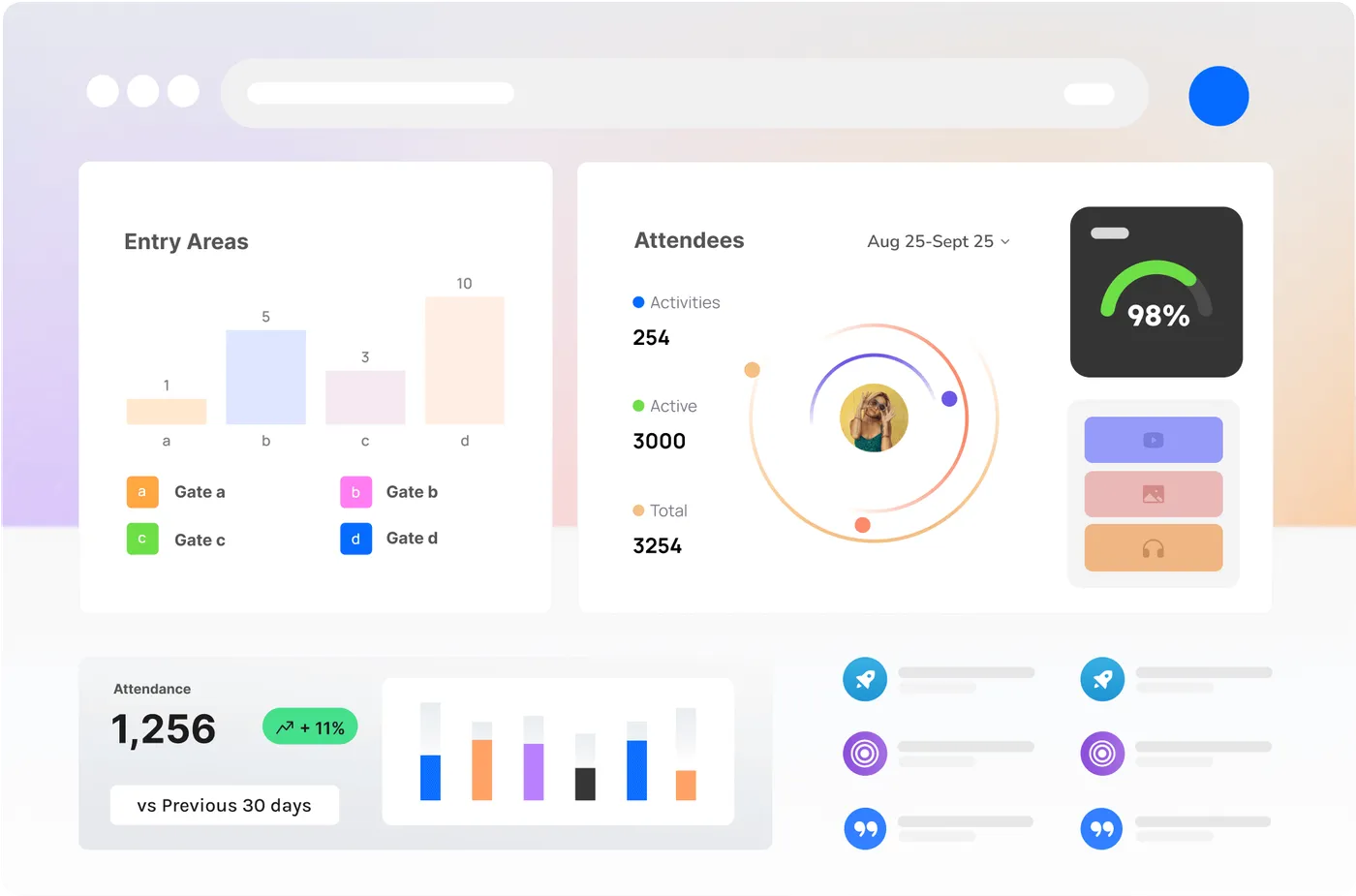
Turn the Cameras You Already Have Into Live Crowd Data
CrowdSense Desktop runs on a Windows PC beside your cameras. It counts people and vehicles, measures queues and occupancy and raises alerts, then sends only the numbers to the CrowdSense portal. Built for festivals, stadiums, precincts and councils, and every venue in between.
From Camera to Count in Four Steps
No new hardware on the fence and no video in the cloud. The AI runs on your PC; the portal gets the events.
- 01
Install on a Windows PC
CrowdSense Desktop installs on a Windows 10, 11 or Server PC on the same network as your cameras.
- 02
Add your cameras
Any IP camera that streams over RTSP, with ONVIF optional, or a USB webcam. One feed per camera stream.
- 03
Draw lines and zones
Draw what to measure on each camera view: a gate, a queue, a car park, a fence line.
- 04
Watch the portal
Counts and alerts reach the CrowdSense portal live. The video stays on your PC.
What You Can Measure
One app, three AI detection profiles (people; vehicles and people; faces) and sixteen ways to use them.
People counting
Entries, exits and footfall at gates, doors and walkways.
Read more →
Queue counting
Queue length and wait time at gates, bars and counters.
Read more →
Live occupancy
A running total inside, with alerts before capacity.
Read more →
Vehicle counting
Cars, vans, trucks, buses and bikes, counted by type.
Read more →
Vehicle speed
Average and peak speeds from two calibrated lines.
Read more →
OOH audiences
Passers-by, dwell and traffic at screens and billboards.
Read more →
Face, gender & age
Anonymous age-band and gender estimates, never recognition.
Read more →
Parking analytics
Car park occupancy, entries, exits and dwell, live.
Read more →
On-premise AI
The AI runs on your own PC. Video never leaves the site.
Read more →
Retail analytics
Footfall, conversion, queues and dwell for stores and pop-ups.
Read more →
Airports & transport
Passenger flow, queues and kerbside traffic at hubs.
Read more →
Anti-tailgating
Alerts when someone follows another through a controlled door.
Read more →
Library counting
Visitor counts, busy hours and occupancy for libraries.
Read more →
Perimeter security
Zone, line and loitering alerts for closed areas.
Read more →
API & webhooks
Real-time camera events over a REST API and webhooks.
Read more →
Custom object counting
A model trained on your footage to count your own objects.
Talk to us →
Pay per Camera, per Event or per Month
All prices in Australian dollars, excluding GST. One feed is one camera stream.
Event pass
$195
per feed, per event
One event is one primary location, one name and branding, up to 5 days. Feeds go live 14 days before the first day for set-up and testing; dashboards and the post-event report stay readable for 3 months after.
Always-on
From $39
a feed a month, yearly plan
For venues that count every day. Month to month it is $69 a feed for up to 9 feeds, and less at volume. Every band is on the pricing page.
Free trial
14 days
up to 4 feeds
A card is taken at sign-up. Nothing is charged until day 15, and you can cancel any time before then.
Custom object models are scoped separately. No cameras where you need them? For events, we hire Vision Nodes and the crew to install them.Get an events quote.
Video Stays on Your PC. Only the Numbers Leave.
CrowdSense Desktop analyses the video on the Windows PC it is installed on. What reaches the portal is text: a line was crossed, a zone filled, a queue grew. No video and no images are uploaded, and nothing sent can identify a person.
The software detects people and vehicles so it can count them; it does not identify anyone. No facial recognition, no biometric identification of people. Ever. Your cameras, your recordings and your footage stay on your site, under your control.
Video Analytics, Answered
What is CrowdSense Desktop?
A Windows app that connects to your IP cameras or webcams, analyses the video on that PC with AI models and sends the counts and events to the CrowdSense portal for dashboards, reports, alerts and the API.
Which cameras work?
Any IP camera that streams over RTSP. ONVIF makes the stream easier to find but is not required. USB webcams work too.
Is any video uploaded?
No. The video is analysed on your PC and stays there. Only anonymous text events, such as a line crossed or a zone joined, are sent to the portal.
What PC do I need?
Windows 10, 11 or Server, 64-bit, with a CPU that supports AVX2. As a guide, an i5 with 16 GB runs about 5 to 10 AI feeds.
How does pricing work?
An event pass is $195 per feed for an event of up to 5 days. Venues that count every day go always-on, from $39 a feed a month on the yearly plan ($69 month to month for up to 9 feeds). Both are ex GST, with a 14-day free trial on up to 4 feeds.
We do not have cameras. Can you help?
Yes. For events, we hire Vision Nodes and the crew to install them. Start with the events quote.

Try It Free on Your Own Cameras
14 days free on up to 4 feeds. Install on a Windows PC, add a camera, draw a line.