Screens That Know the Crowd
CrowdSense Signage is the complete package: the software platform, preconfigured 4K players we sell, and the screens to put them on. And because it runs alongside your crowd data, every display can react to queues, occupancy and alerts the moment they change.
Your Whole Screen Network, Run From One Place
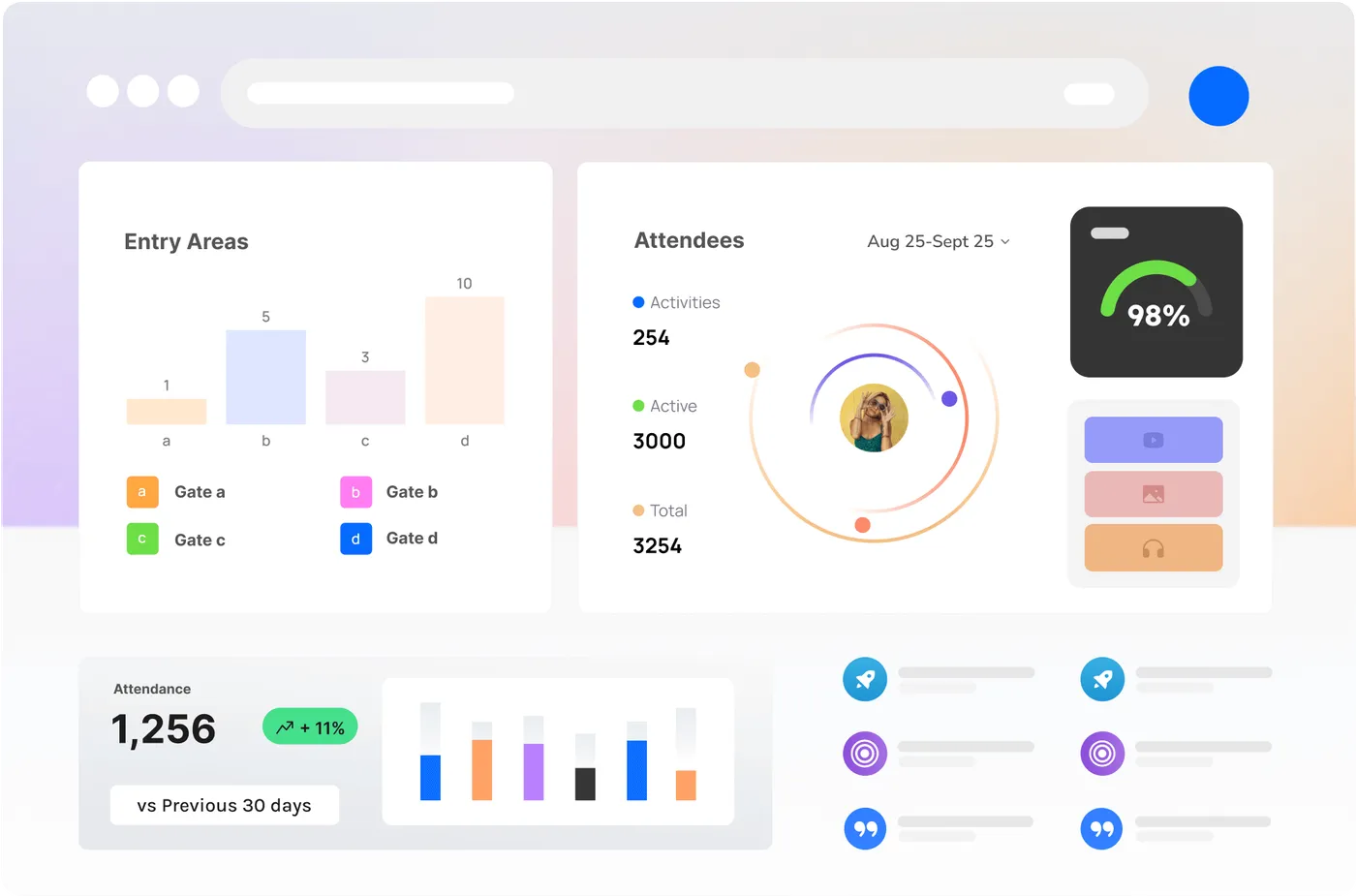
Wayfinding, menus, schedules, sponsor loops — organise all of it from one browser dashboard and publish to any screen on site, whether that is one display behind the bar or a hundred across a precinct.
We supply the platform, the players and the screens as one package — bought outright or bundled with your subscription — so there is nothing to stitch together. Most sites are live in an afternoon.
Everything On Screen, Under Control
One dashboard, every screen
Publish to one screen or a hundred from the browser. See what each screen is playing right now and whether it is online — no site visit needed.
Playlists that run themselves
Queue content per screen, zone or venue and schedule it by time of day, day of week or date range. Set it before gates open and it just plays.
Design without a designer
Start from 800+ ready-made templates, drop your content into a drag-and-drop layout editor and pull imagery from a free stock library.
Your data on glass
Weather, news, socials, dashboards and calendars — 160+ apps pipe live data straight to your screens, from Power BI and Tableau to Teams and Canva.
Take over every screen in seconds
Push an emergency message or a must-see moment to every display at once, then hand the screens back to their schedule when it has passed.
Plays on through dropouts
Content is cached on the player, so screens keep playing through network dropouts — and pick up changes the moment they reconnect.
Three Reasons It's Different
Platform Features
Layouts, templates, playlists, scheduling and fleet management — run every screen you own from one dashboard, from anywhere.
Learn more →Plug-and-play hardware, from usThe Signage Player
A palm-sized player we preconfigure before it ships. HDMI into any screen, power on, and your content is playing in minutes.
Learn more →The part only CrowdSense can doLive Crowd Data
Screens on the same platform as your crowd data. Show queue times, steer people to quiet zones and take over every display when it matters.
Learn more →Live in an Afternoon
- 01
Plug in
Your player arrives preconfigured and already paired to your account. HDMI into any screen, connect power, done.
- 02
Publish
Pick a template, drop in your content and push it to the screens you choose — from the office or the site shed.
- 03
React
Schedules keep every screen current, and live crowd triggers change what plays when queues build or zones fill.
From One Screen to a Network
Starter
A screen or two — box office, bar, foyer
- Per-screen subscription, billed simply
- Player hardware bought outright or bundled
- Every platform feature from day one
Season
Event fleets that stand up and pack down
- Scale screens up for the season, down after
- Preconfigured players shipped ready to deploy
- Crowd-data triggers for gates, queues and zones
Network
Venues, precincts and multi-site operators
- Workspaces and roles across sites and teams
- Volume hardware pricing, staging and spares
- Priority support and rollout planning
Signage, Answered
What screens does CrowdSense Signage work with?
Any TV or display with an HDMI input, in landscape or portrait. For screens that run all day every day we recommend commercial-grade displays — we can supply and spec these as part of your rollout.
Do I need to buy your player hardware?
The CrowdSense Signage Player is the recommended way to run the platform — it ships preconfigured, plays 4K content and is managed remotely. Buy players outright or bundle them with an annual subscription. Running an existing fleet of media players? Talk to us about compatibility.
Does signage connect to our CrowdSense crowd data?
Yes — that is the point of difference. Signage runs alongside the same platform as your Sense Nodes, Optic Nodes and camera analytics, so screens can show live queue times, react to occupancy thresholds and join emergency takeovers triggered from your crowd data.
What happens if the network drops out mid-event?
Screens keep playing. Content is cached locally on each player, so playback continues through dropouts and the player syncs any changes as soon as it reconnects.
What if there is no wifi where the screen needs to go?
Order the player with the 4G LTE option. It ships with a modem and an activated SIM on a managed data plan, so the screen needs nothing from the site but a power point — no venue wifi, no IT ticket, no cable run. Pop-ups, festival sites, car parks and leased tenancies are the usual cases.
Who on my team can edit what?
Workspaces group screens, content and users by venue, department or client, and custom roles control who can design, schedule or publish. Sponsors or caterers can be given access to just their own playlist.
Can screens carry sponsor content — and can we prove it ran?
Playlists and layouts are set per screen and per zone, so sponsor packages can be sold by location and daypart. Pair a screen with an Optic Node and you can also measure the audience that actually passed and dwelled — proof of ROI, not just proof of play.

Put Screens That Think on Your Site
See live occupancy, queues and crowd flow — and how they’d work on your site.