Finding a vision model is easy. Working out which of forty candidates will actually run on your hardware, export to the format your toolchain consumes, and carry a licence your legal team will sign off — that is the part that eats a month.
The Model Zoo is our attempt to shorten it. It is a curated library of vision models for evaluation across the common edge AI tasks, with the information you need to rule things out visible before you download anything.
What’s in it
125 curated models. Vision models for evaluation across the common edge AI tasks — detection, classification, segmentation and reading. Curated rather than exhaustive: these are weighted toward models that survive contact with a real site, because they are drawn from what we actually run on nodes for customers.
5 filter types. Domain, task, architecture, format and supported hardware. Most model libraries make you start from an architecture name. Starting from the job and the target gets you to a real shortlist faster.
4 format groups. ONNX, PyTorch and TFLite availability, visible up front. A model that only ships as a training checkpoint is a different project to one with a maintained ONNX export, and you should know which you are looking at on day one — not in week three.
A faster starting point
01 — Browse. Filter by domain, task, architecture, format or supported hardware. Go from a library to a handful of genuine candidates in a couple of clicks.
02 — Test. On supported model pages, upload an image and run a quick test in the browser. Seeing how a model behaves on your imagery — your lighting, your camera angle, your site — tells you more in thirty seconds than a benchmark table does in an afternoon.
03 — Download. Review architecture, input size, licence and available formats, then take the model away for proper evaluation.
A few places to start
Safety & PPE · Forklift & Industrial · Wildlife · Barcode & QR · Fire & Smoke · Traffic
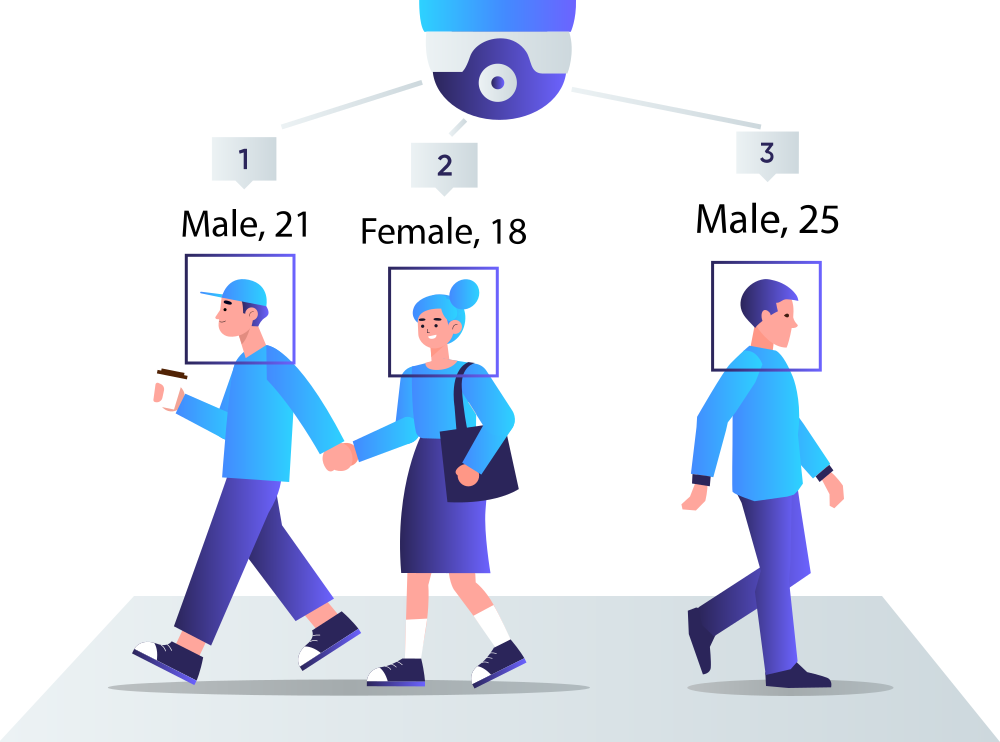
Those six cover most of what people arrive looking for. Safety and PPE models sit behind site compliance monitoring. Forklift and industrial detection covers yards, warehouses and laydown areas. Fire and smoke matter enormously on remote ground, where visual detection can beat a phone call by a long way.
Why this matters more than a model list
A model on its own does not do anything. It becomes useful when it runs somewhere fixed, watching something specific, feeding a rule that produces an action.
That is why every model you shortlist here has a path onto real hardware. Anything in the library can be deployed to a Vision Node 301, which runs detection on the device and hot-swaps models from the browser — so the model you evaluated is the model that runs, on the same shape of deployment, without a re-platforming exercise in between.
And if nothing in the library fits, that is a normal outcome. We train and deploy custom models against customer imagery regularly. The zoo is a starting point, not a ceiling.
Where this goes next: digital twins of construction and mining sites
The reason we built a curated library rather than a catalogue is that our customers are not shopping for models. They are trying to answer questions about a site.
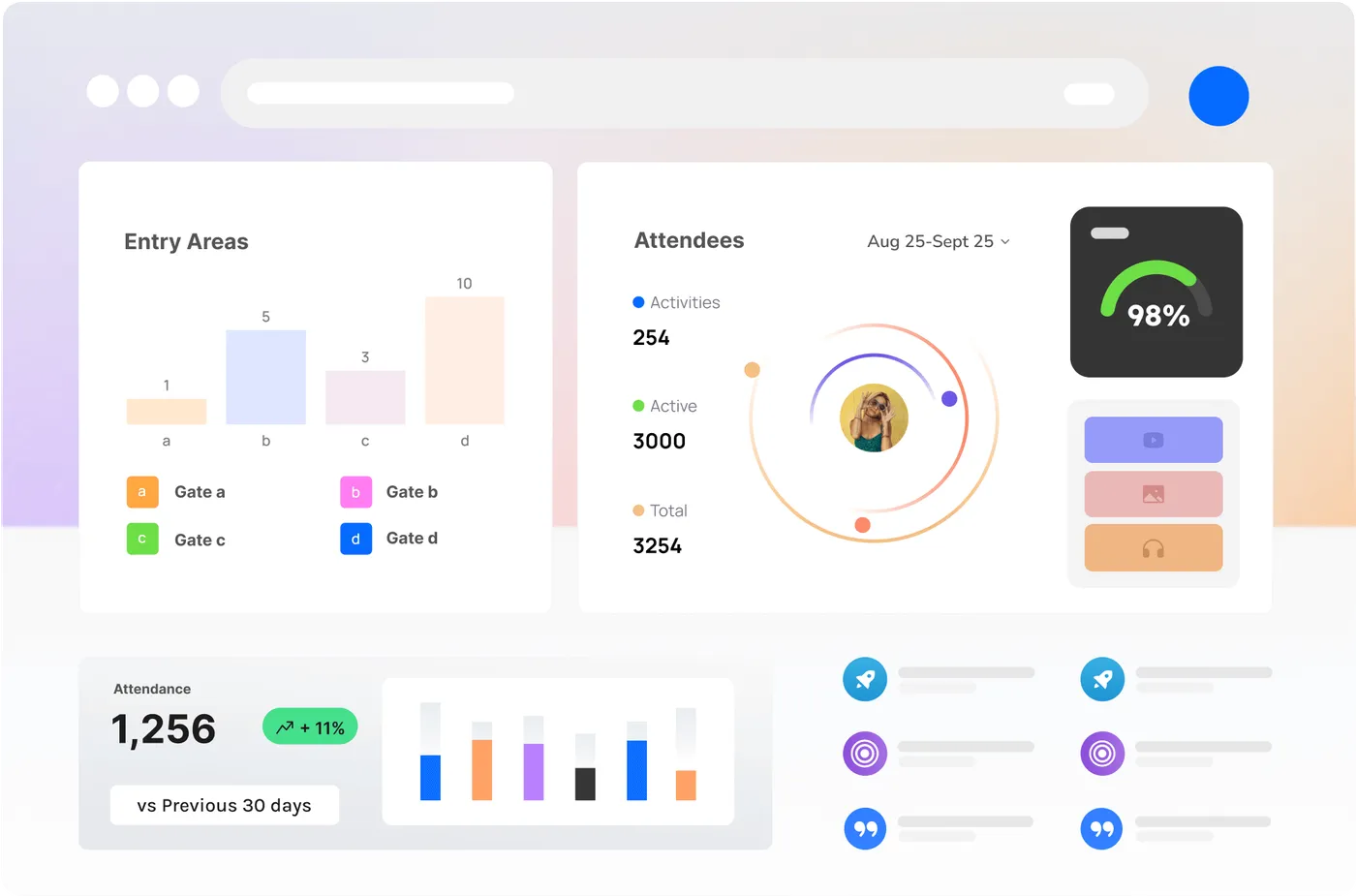
On a construction site or a mine, the questions are consistent: is the exclusion zone clear while that plant is operating? Does the gate count match the induction list? Has that stockpile moved this week? How far did we actually get this month?
Those are model questions underneath, but nobody wants to buy a model to answer them. They want a live operational picture of the site — a digital twin — where every measurement lands against a zone their crews already have a name for, where the rules that matter are written once and enforced continuously, and where the reporting they owe someone every week assembles itself out of what was measured.
That is what the models are for. Detection is the input. The output is an alert that reaches the person who can act, a record that settles a claim, and a progress analysis that did not require anyone to retype a field report at 6pm.
If you want to see the model side, browse the zoo. If you want to see what it looks like pointed at a real site, start with the digital twin.