Events & festivals
Festival gate counting
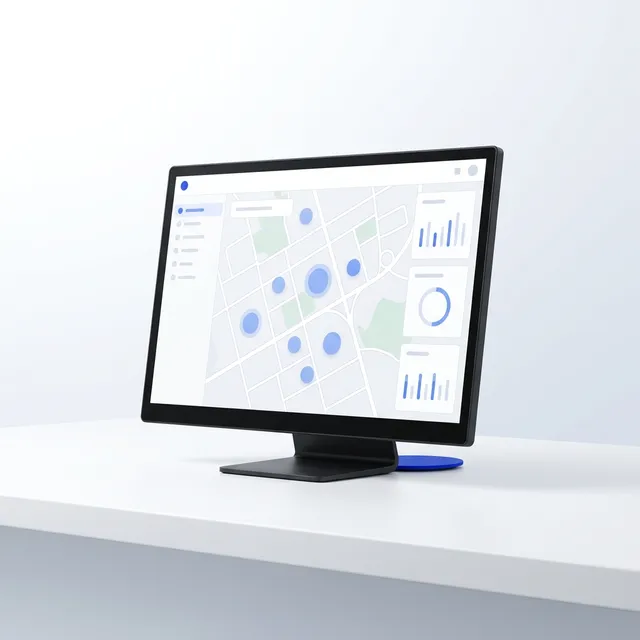
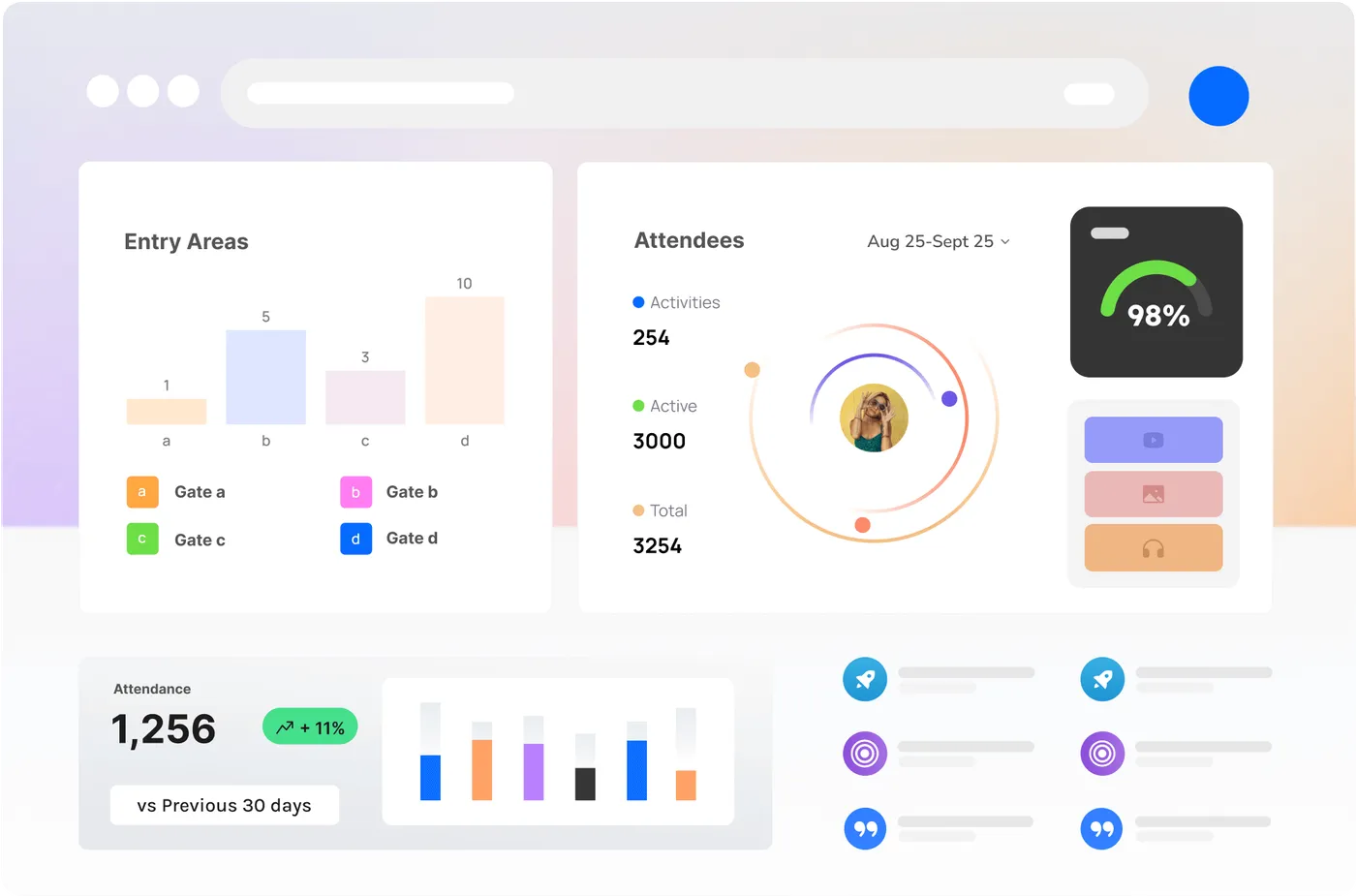
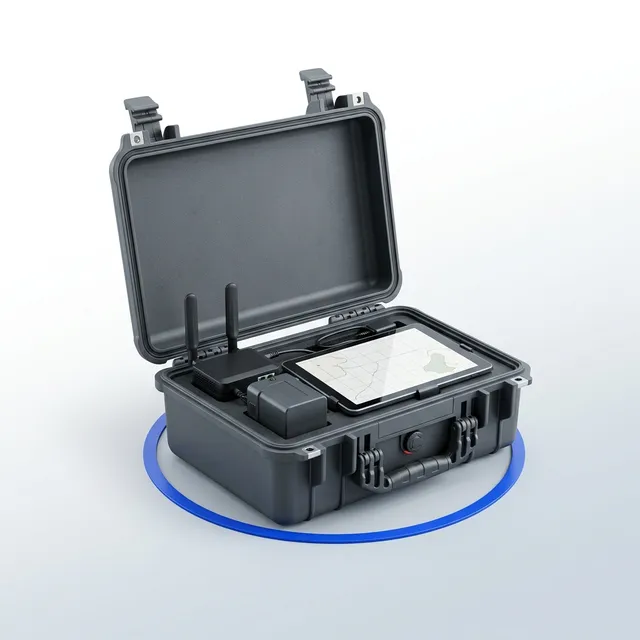
A count in and out at every gate, live on the Control Room and the Companion App, with the capacity line drawn on it. The design most events start with, and the one a licensing condition usually asks for.
The kit
What comes back
- Live in, out and on-site count by gate
- Capacity alerts to the app
- Fifteen-minute gate arrival curve for next year
- CSV for the licensing report
Layout
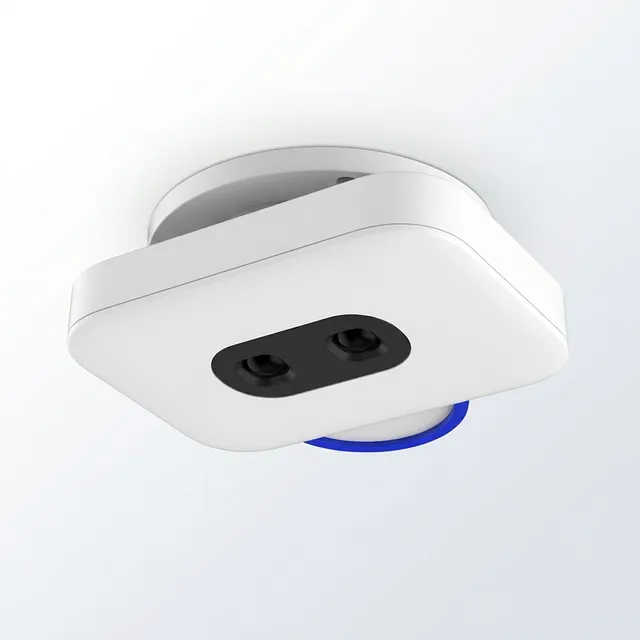
- 1Counter head mounted 2.6 to 3.0 m above the lane on the gate structure or a tripod, looking straight down the lane, one head per two lanes.
- 2Lanes separated by barrier so each head sees one clean flow; a re-entry lane gets its own head.
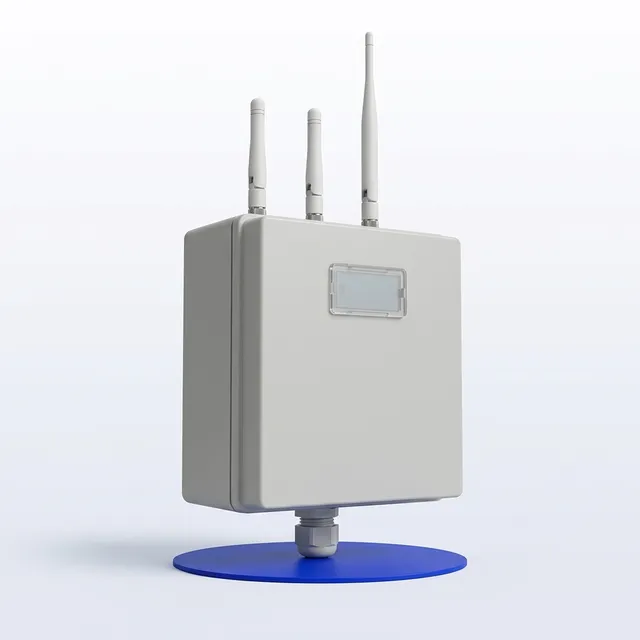
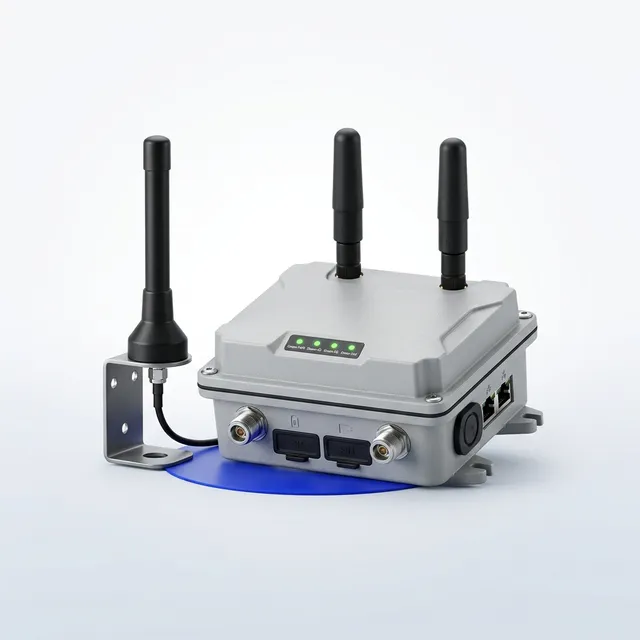
- 3Mesh gateway at the operations centre with line of sight to the gates, or a relay node at the far gate if there is not.
- 4Capacity line, gate names and lane counts set in the Companion App during the walk-through; counts are checked against a hand tally for the first fifteen minutes.
- Power
- Battery pack in each head for five days; the gateway on the operations-centre mains with a battery for the outage.
- Comms
- Mesh from the heads to the gateway, 4G from the gateway to the Control Room, store-and-forward on every node if the link drops.
- Crew
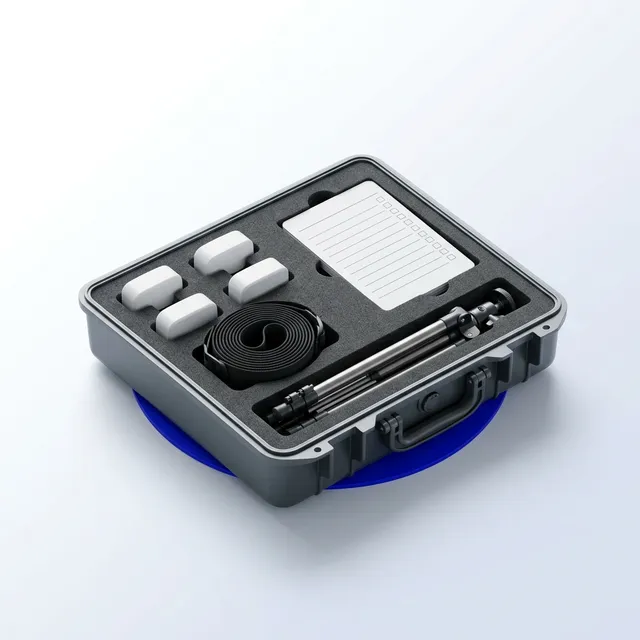
- Bump-in the day before doors: mount, calibrate, hand tally. One operator on the day for a large event. Bump-out in an hour.
Events & festivals
Stage front and crowd zones
Density and dwell at a stage front, a bar precinct and the routes between them, from anonymous sensing that never identifies anyone. The event controller sees a zone go from comfortable to dense before the radio call.
The kit
What comes back
- Live density and dwell per zone with thresholds
- Movement between zones through the day
- Screen messaging tied to the crowd picture
- Event impact report if ordered
Layout
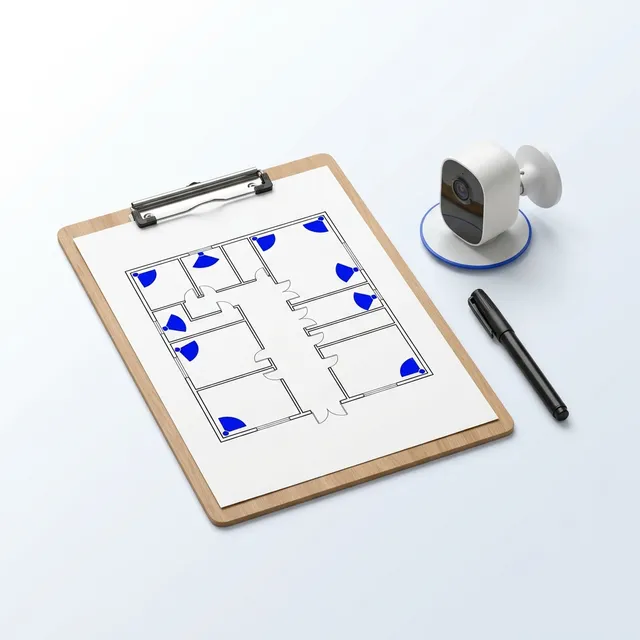
- 1Crowd nodes on tripods or existing poles at 3 to 4 m, one per zone, at the edge of the zone rather than the middle so the crowd cannot mask it.
- 2The vision node on the front-of-house tower or a delay tower, framing the stage front for density and flow; it counts, it does not identify.
- 3Zones drawn in the Companion App during the walk-through, with the comfortable and dense thresholds set per zone.
- 4Screens at the pinch points on their own stands, fed by the Control Room, so a message reaches the crowd where it is needed.
- Power
- Batteries for the whole event in every node; screens on site power or a generator circuit with the player on battery.
- Comms
- Mesh across the site with relay nodes on the long hops; the vision node on its own 4G link.
- Crew
- One crew day per eight nodes to deploy, an operations lead in the operations centre on the day.
Councils & precincts
Precinct main street
Month-after-month counts for a main street, a park or a pool, with the weather on the same timeline, feeding a council dashboard and an open-data feed. The measurement behind an activation programme.
The kit
What comes back
- Daily and hourly visitation per block
- Dwell at the gathering places
- Weather-adjusted comparisons month on month
- Quarterly precinct report and open-data feed
Layout
- 1Counters on existing light poles or awnings at 3 to 4 m, angled along the footpath, both sides of each block so a crossing is not counted twice.
- 2Crowd node at the gathering places: the plaza, the playground, the pool deck.
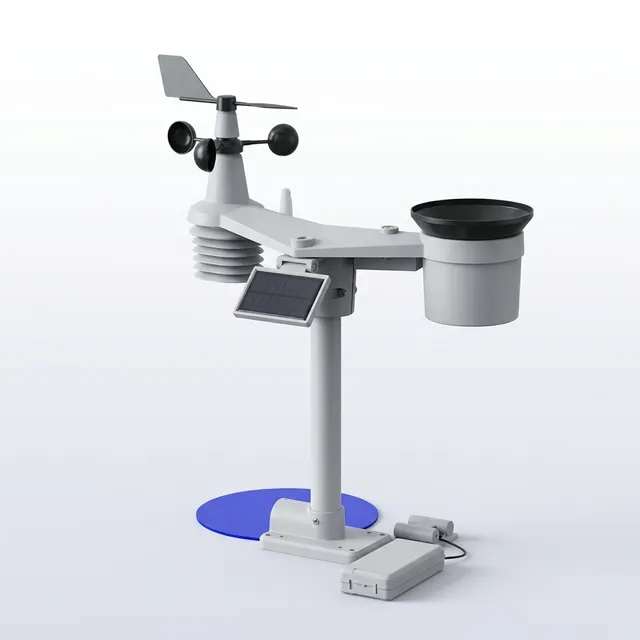
- 3Weather node on the tallest safe pole in the precinct, clear of walls and trees.
- 4Gateway on a light pole with the solar panel facing north and the antenna above the canopy.
- Power
- Solar with a battery for a week of cloud on every node; no trenching, no power application.
- Comms
- Mesh to the gateway, 4G from the gateway, with the council network as an option where it exists.
- Crew
- Two crew days for a precinct of ten nodes, a half-day of operator training, then quarterly reporting with no site visit.
Events & festivals
Mesh backbone for a large site
Comms for a site with no reliable mobile coverage or one too large for a single gateway: showgrounds, racecourses, regional festivals. Every node reports through the mesh, and the crew apps work where phones do not.
The kit
What comes back
- Every sensor reporting through one link
- Crew apps working off-grid
- Coverage map from the survey for the site plan
Layout
- 1Gateway at the operations centre, antenna as high as the structure allows, with the 4G uplink or a satellite failover.
- 2Relay nodes on tripods or poles at 4 to 6 m along the site spine, each with line of sight to the next; a survey walk with the app confirms every hop before the build.
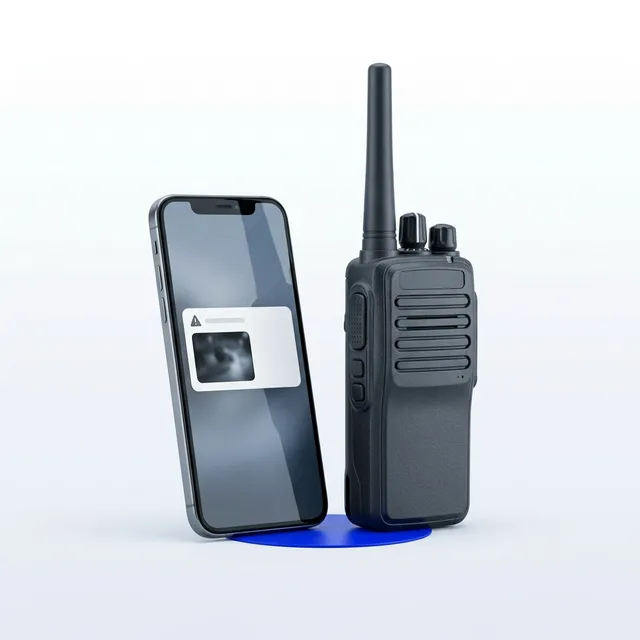
- 3Handheld nodes with each crew team so radio traffic, check-ins and alerts flow without mobile coverage.
- Power
- Relay nodes on battery for five days or solar for the season; the gateway on mains with a battery.
- Comms
- Long-range mesh across the site, one uplink at the gateway; store-and-forward on every node.
- Crew
- A survey day, then a build day per fifteen nodes.
Construction sites
Construction site perimeter
Timelapse and site vision from the fence, weather alongside, all through one base station in the site office. The programme starts before the slab and stays for the whole build.
The kit
What comes back
- Timelapse film of the build, delivered as the programme runs
- Gate headcount and after-hours alerts
- Weather record against the programme
- Progress-claim evidence by date
Layout
- 1Timelapse nodes on the fence line or a pole at 4 to 6 m, framing the whole footprint with the crane in shot; the frame is checked in the app before the crew leaves.
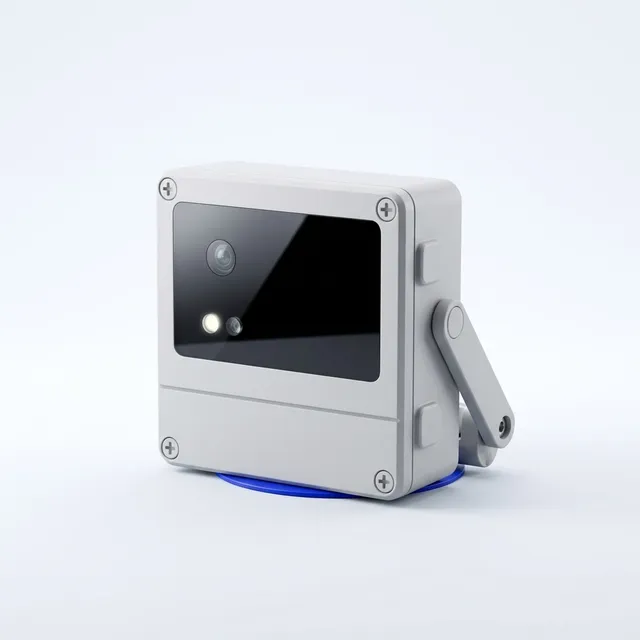
- 2The vision node at the main gate, looking along the entry so people are counted and PPE is visible, not identified.
- 3Weather node clear of the shed and the hoarding.
- 4Base station in the site office window or on the shed roof, with the antenna highest.
- Power
- Solar and battery on every node; the base station on site-office power with a battery.
- Comms
- Nodes to the base station over the site radio, 4G from the base station, satellite failover as an option.
- Crew
- One install visit; the frame is re-set from the office when the site changes shape, and the capture interval changed from the Control Room or the HQ dashboard.
Construction sites
Site security after hours
Cameras that record on site and alert after hours at the gate, the laydown yard and the fence, with the recorder in the site office and the alerts routed to the licensed security provider the builder already uses. The site internet carries the cameras and the crew.
The kit
What comes back
- Thirty days of footage on site, exported by clip
- After-hours alerts with the clip to the app and the provider
- A monthly alert and response report
- Cameras that move to the next site on the same programme
Layout
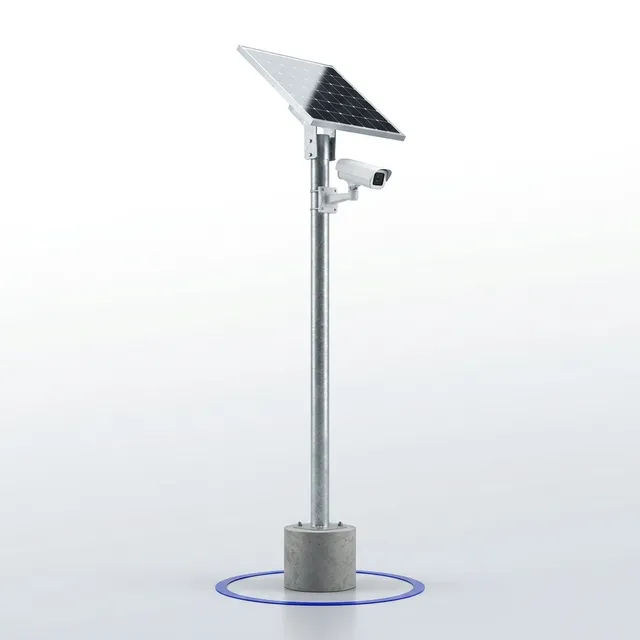
- 1Fixed cameras at 3.5 to 4.5 m on the gate structure and the yard poles, looking along the fence line so a person is seen crossing it, not walking toward it.
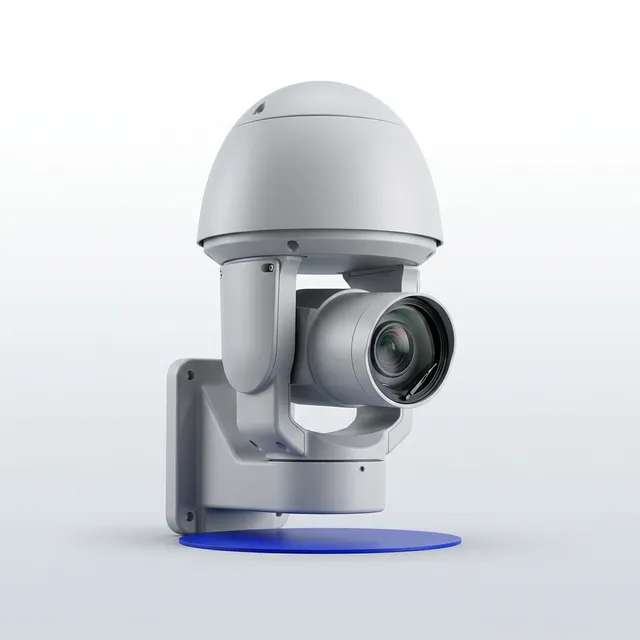
- 2The PTZ on the mast or the highest pole with tours set to the far fence and the compound; an alert takes it to the spot.
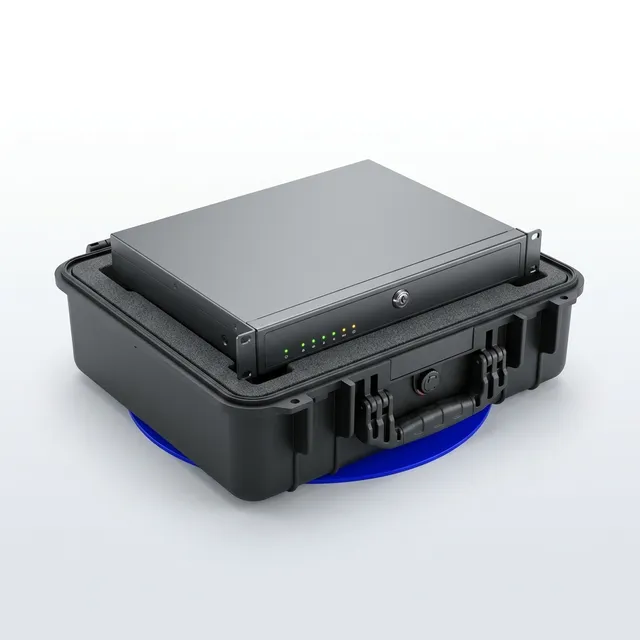
- 3The recorder in the site office on the site internet; footage stays there for thirty days.
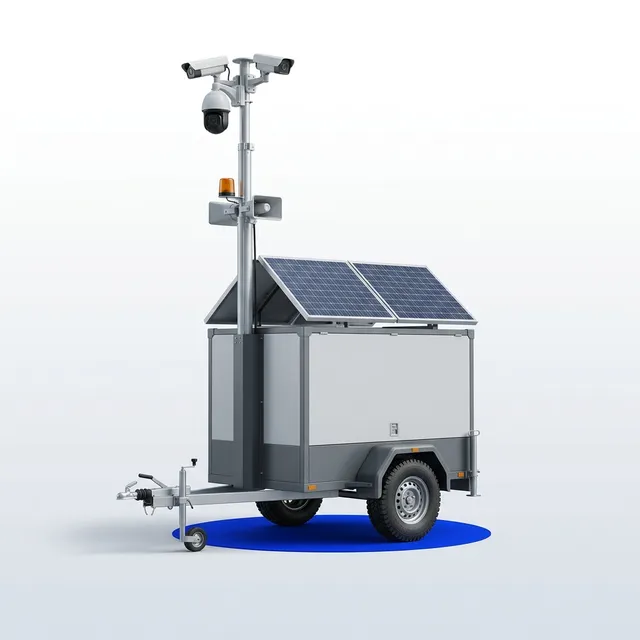
- 4The trailer where there is no pole: the car park, the second gate, the laydown at the far end.
- 5Alert rules by hour and zone, routed to the security provider with the clip; the site notice at the gate says cameras record.
- Power
- PoE from the site internet where there is cable; solar and battery with the site radio where there is not. The trailer runs itself for a week without sun.
- Comms
- Cameras to the recorder over the site network; alerts out over the site internet or the base station; the trailer on its own 4G.
- Crew
- A design visit, then one crew day per six cameras; the trailer is placed and watching within the hour.
Events & festivals
Event control room
The room that runs the day: the board on the wall, Command and Allocate on the desk, the mesh link so it works when the venue Wi-Fi does not, and the plan written before doors so the zones match the radio net.
The kit
What comes back
- A timeline that writes itself
- Every job and incident with its times
- Occupancy and density curves by zone
- The debrief pack for the acquittal
Layout
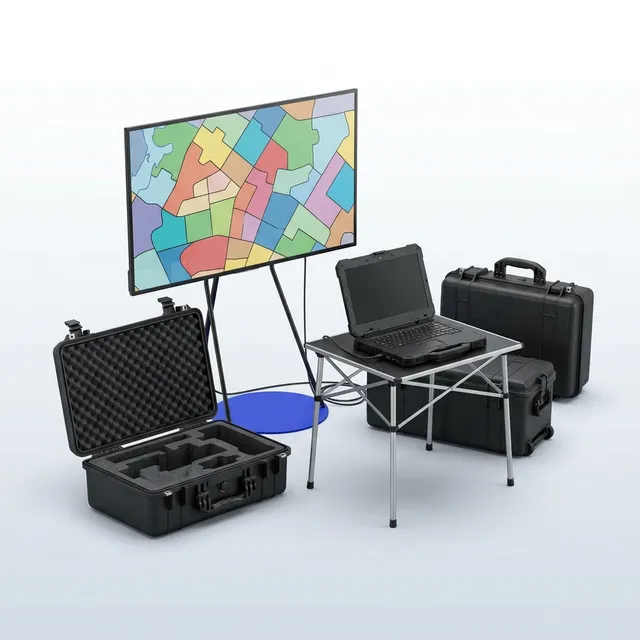
- 1The kit in the compound or the operations centre: the board display facing the room, the workstation at the radio desk, the gateway link and the battery under it.
- 2Zones drawn to the radio net in the plan session, thresholds set per zone, roles mapped to the apps, the escalation matrix on the wall.
- 3Gate and compound cameras on the same picture, so a radio call and a camera are one click apart.
- 4The Board never shows a name a visitor could photograph; a second sponsor layout without names if one is wanted.
- Power
- Mains or generator with the four-hour battery; the crew apps on their own batteries.
- Comms
- Mesh across the site to the gateway link; 4G out with a satellite option; site internet for the compound.
- Crew
- One crew member sets the room up in an hour; an operations lead runs it with the event controller.
Digital signage
Screens on stands
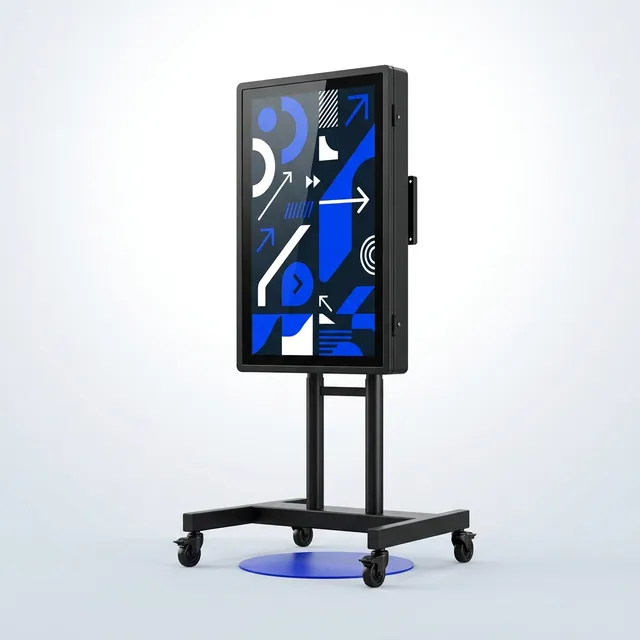
Wayfinding, queue and safety messaging on outdoor screens that react to the crowd picture: a queue time at the gate, a "this bar is quiet" at the busy one.
The kit
What comes back
- Messaging that changes with the crowd
- Proof of play for sponsors
- A wayfinding record for the debrief
Layout
- 1Screens on their own weighted stands at the head of a queue, a junction or a gate, face away from the low sun.
- 2Players fitted to venue screens in the racks or behind the panel, on the venue network or their own 4G.
- 3Playlists and the crowd-aware rules set in the Control Room before doors; the operator changes them from the app on the day.
- Power
- Screens on site power or a generator circuit; players on battery for the day if the screen has none.
- Comms
- 4G or venue Wi-Fi to the Control Room; the mesh for the crowd picture.
- Crew
- Half a crew day per four screens, a half-day of training for the messaging team.
 Gate Counter
 Site Mesh Gateway
 Control Room seat
 Crew & Zone app pack
 Deployment crew day