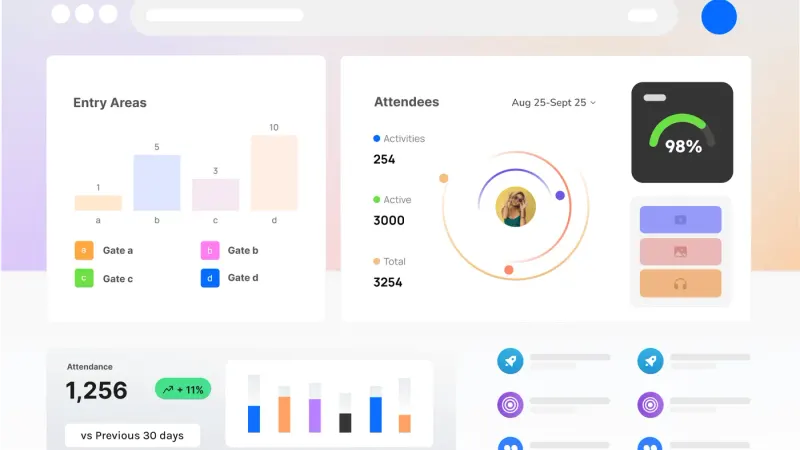
People tend to meet CrowdSense through a piece of hardware. A Sense Node on a tripod at a gate, an Optic Node strapped to a pole, a signage player behind a screen. The hardware is the visible part, but it is not the product. The product is what happens to the numbers after they leave the device, and that part has a name: Aura OS.
This post is about that layer: what it takes in, what it does with it, and what comes out the other end.
Six parts, one system
Our platform page describes six pillars. Sense Nodes read crowds over anonymous Bluetooth. Vision Nodes count them on camera, with detection running on the device. Off-Grid Communications keep everything connected where venue wifi and cellular cannot reach. The Control Room puts every node, camera, crew member and display on one console. The Companion App carries live occupancy, alerts and node management on a phone. And Digital Signage puts live guidance on screens the crowd itself can see.
Every one of those pillars either feeds Aura OS or draws from it. A Sense Node’s final step is “Stream”: anonymous metrics flow to Aura OS in real time, over wifi, cellular or the mesh. An Optic Node sends counts and events to Aura OS, not video. When you connect an existing IP camera, it is Aura OS that scans the network for ONVIF-compatible devices, and it is in Aura OS that you draw the counting lines and zones. The Control Room and the Companion App are the two faces people look at. Aura OS is the thing they are looking at.
From site to action
We describe the flow in four steps: Sense, Connect, Understand, Act.
Sense is the nodes and cameras doing their work on the edge, so only metrics leave the device. Connect is the mesh and the uplinks carrying that data back. Understand is where Aura OS and the Companion App turn it into live dashboards, alerts and shareable reports. Act is the Companion App putting those numbers in front of every crew on the ground, and CrowdSense Signage putting live guidance in front of the crowd.
The reason we split Understand from Act is that a dashboard on its own does very little. A number that nobody sees, or that everybody sees thirty minutes late, is a statistic rather than a decision. So the platform is built around the idea that a measurement should arrive somewhere, with a threshold already on it, and that the person who receives it should be able to do something in the same tool.
What it measures
Whatever the deployment, the outputs are the same family of metrics, and they are comparable from one site and one season to the next. Counts through a line. Occupancy of a zone. Queue length and flow at a gate or a pinch point. Dwell at a place you care about. Density read the way a safety case reads it.
That consistency matters more than it sounds. If a festival gate, a shopping precinct and a construction site fence all report into the same structure, then the same alert rules, the same reports and the same review tools work on all of them. It also means an archive built this year is the benchmark you plan next year against, because the measures have not moved.
Thresholds, alerts and the record
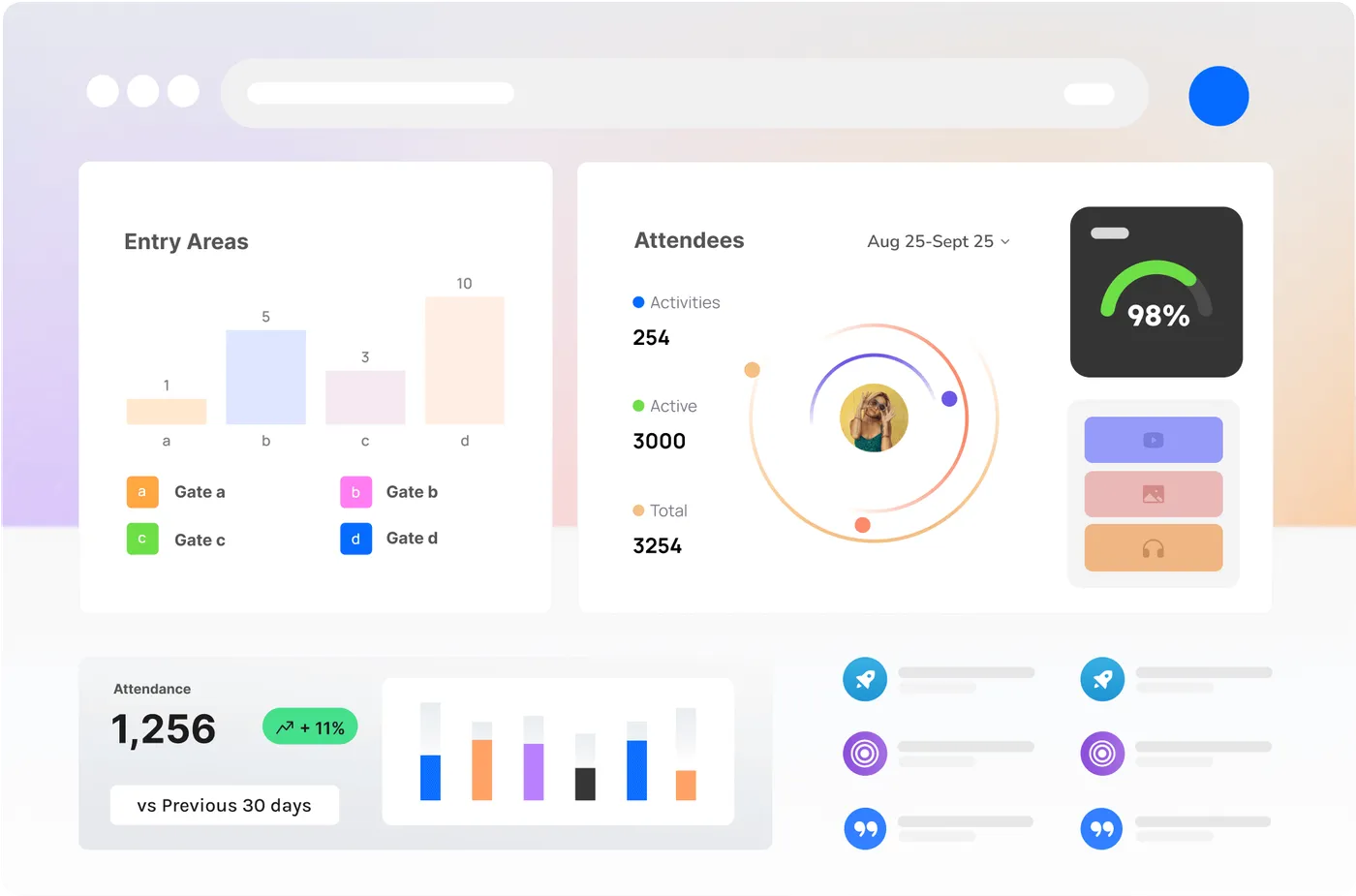
The part of Aura OS that most changes how an event runs is the threshold. You set a number against a zone, a gate or a queue, and when a live metric crosses it, the platform raises a visible warning before anyone has to notice it on a chart. From the Control Room, that alert can be routed to a role, a zone or an individual, as a push to the Companion App, an email or a webhook into whatever your team already watches.
Underneath the live picture sits the record. Every count, every alert, every acknowledgement and every decision is timestamped as it happens. Nodes capture keyframes on a schedule, and those frames are indexed to the metrics that were live at that second, frosted so the review is about what happened rather than who was there. When the event is over, the debrief is already written, and the same record can be scrubbed back through moment by moment.
Privacy is the default, not a setting
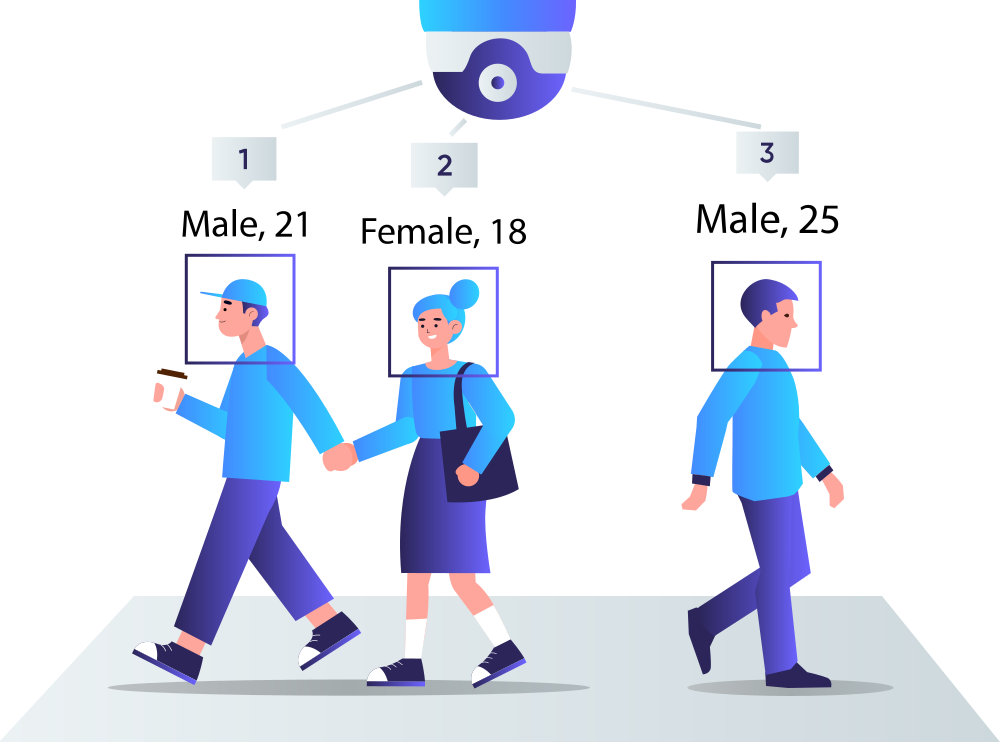
Everything that reaches Aura OS has already been processed on the device. Sense Nodes read anonymous Bluetooth signals and never carry a personal identifier. Optic and Vision Nodes send counts and classes, not footage. When imagery is kept at all, it is kept as periodic keyframes, rendered as anonymised silhouettes, with retention set per site. The numbers can outlive the pictures.
We built it this way because the people who deploy crowd analytics are usually the same people who have to answer for it to a council, a client or the public. A platform that only works if you store faces is a platform that will eventually be switched off.
Where to read more
The platform overview at /platform walks through the six pillars and the four-step flow, and /platform/control-room goes deeper into the console, the alerts and the record. If you would like to see Aura OS running on a live site, get in touch and we will set up a demo.