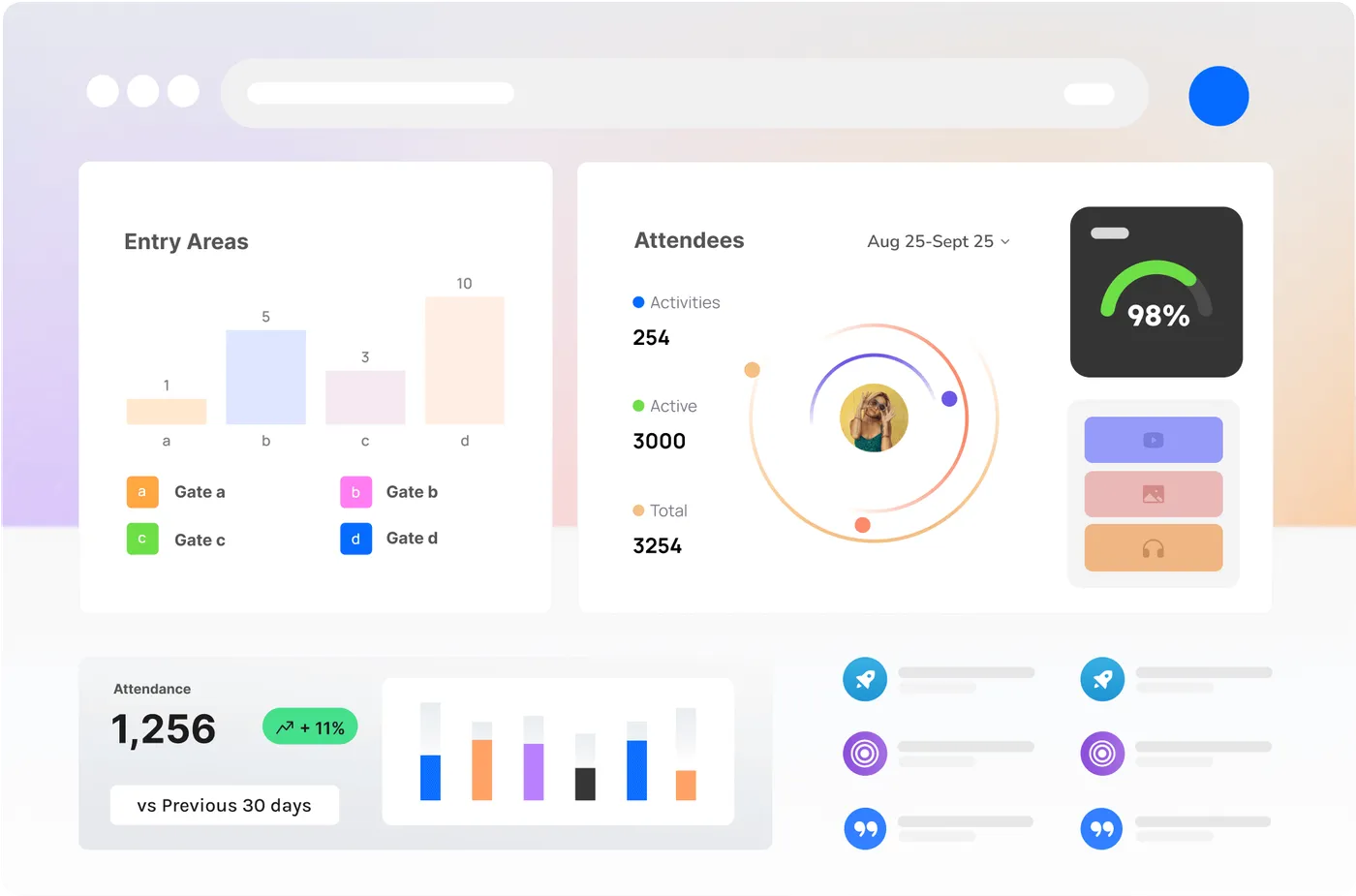
Watching a number and acting on it are different jobs, and they are usually done by different people. The Control Room and the Companion App are how you watch a site. The five apps in this post are how you talk and how you put people on the number. They share one backend, one live picture and one timeline, and each is shaped for the person holding it.
Here is who gets which, and what it does for them.
Crew: the phone in every pocket
Crew is for people on the ground: stewards, security, medical, brand hosts, anyone with a radio and a job. It runs on phones, native or as a web app, and it is built around one-tap status rather than a radio relay. Available, on a job, on a break, off site, and Command and Allocate see it live.
A job lands with the zone, the number that triggered it and a map pin, and gets updated from the ground. Messages and acknowledgements sit next to the job, in the same thread the room can see. Shifts, the day sheet and the documents a crew actually needs are in the same app, offline-friendly. And the occupancy and queue for the zone the person is standing in, pulled from the nodes around them, is on the phone already in their hand.
It is not the Companion App. Companion is the insight view and watches the number; Crew is the job view, and is who we send when the number needs a person.
Zone: the shared screen that rides with the team
Zone is for a team rather than a person: a shared tablet at a gate, in a vehicle or on a desk in a compound. Big type, readable in sun, usable in gloves. It shows continuous location so the room can see the vehicle or the gate crew without calling them up, the job queue for this zone only, push-to-talk on the same screen when the radio net is full, and a map that matches the site plan.
The feed is the Vision or Sense Node on that gate plus the team’s location: queue time and occupancy for this zone, not the whole site unless they ask. It runs on iOS, Android, web, desktop or Docker if you host it yourself, in a ram mount, on a trestle table or on a spare laptop.
Command: a live board for the person in charge
Command is for the person running the site: the event manager, the duty manager, the producer who has taken it. One person takes command, names the zones to match the radio net, puts crews and Zone teams on them, and hands over with everyone notified when the shift changes.
Check-in timers go green, then warn, then critical, so the board says someone has gone quiet before the radio does. Objectives and needs are written down: more stewards at the south gate, medical to the lawn. Every assignment, move and close is stamped, and the timeline is the debrief. It is offline-first: actions queue on the tablet and replay when the mesh or the link comes back.
Allocate: the console that turns a number into a person
Allocate is for whoever spends people against the thing being measured: producers, ops leads, the person who decides who walks to a gate when a queue builds. A job is created from a live threshold or a radio call, with a zone and a reason. The console shows who is actually free from Crew status and Zone staffing, and you put a person or a whole team on it; their phones and tablets update.
We are strict about what is allowed to open a job on its own. A capacity warning, yes. A heatmap, no. Allocate is built to sit open for twelve hours without turning into sludge, in a browser, on a dedicated desktop or on your own box.
Board: the wall the whole room can read
Board is for the room: a control room, a compound, a precinct operations centre. It is a grid of live tiles you choose and arrange: people, Zone teams, open jobs, the map, occupancy per gate, weather, a clock. It is pushed rather than polled, so the wall moves when the field moves, with dark mode for a room that stays on all night.
It is not the Control Room. The Control Room is the operator console with alerts, takeover, recall and the Brain. Board is what the rest of the room watches. A sponsor can be given a layout without names and without safety jobs; the default is the ops wall, and medical jobs never go on a public screen.
You do not have to run all five
A small activation might be Crew plus Board. A precinct day is usually Allocate, Command, Zone on the busy gates, Crew on everyone else and Board in the compound. We will say if a fifth app is theatre. The numbers come from Sense, Vision and Optic Nodes and the Vision Engine on your existing cameras; the apps do not invent a second count, they put a person on the one you already trust.
Where to read more
Each app has its own page from /apps, and there is a walkthrough on a South Bank site plan showing which ones we would actually mount. To talk through your radio net and your gates, contact us.