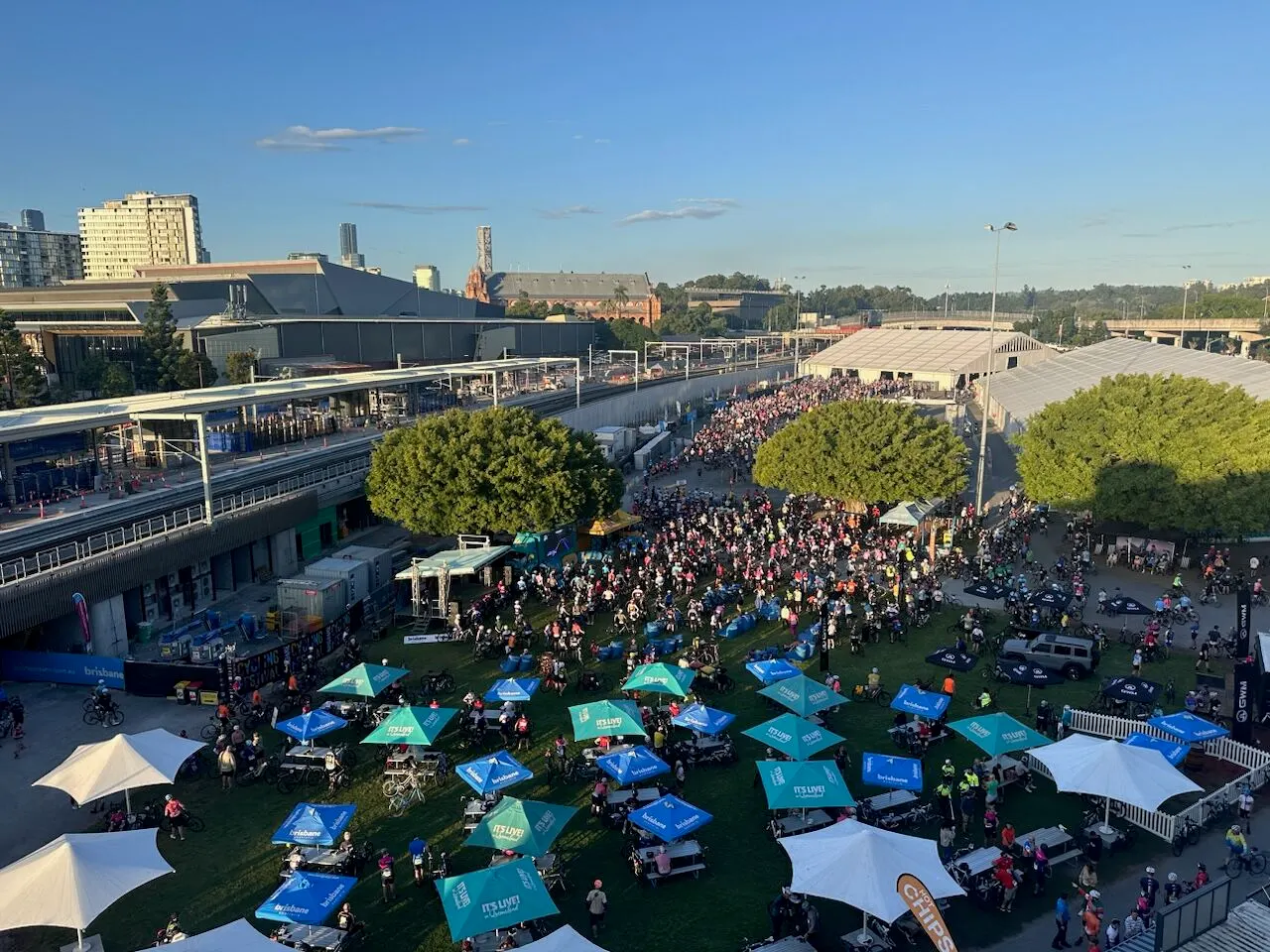
A static sign is wrong the moment the crowd shifts. The queue it pointed at has moved, the zone it recommended has filled, the weather it ignored has turned. What was helpful at gates open is misleading by mid-afternoon, and by then nobody has time to reprint it.
CrowdSense Signage starts from the idea that a sign is only right if it is right now. The screens sit on the same platform as the Sense Nodes, Optic Nodes and camera analytics measuring the site, so they can respond to what the crowd is actually doing. This post covers what that lets a screen do, and the rest of the signage platform it comes with.
The complete package
We supply the whole thing: the software platform, preconfigured 4K players and the screens to put them on, bought outright or bundled with a subscription. A player arrives imaged, tested and already paired to your account. HDMI into any display with an HDMI input, landscape or portrait, power into the wall, and it pulls its assigned playlist the moment it comes online. Most sites are live in an afternoon.
For a screen with no wifi, a pop-up, a festival gate, a car park, a leased tenancy whose IT team you will never meet, order the player with the 4G LTE option. It ships with a modem and an activated SIM on a managed data plan, so the site needs to provide nothing but a power point.
Queue times, wayfinding and takeover
The part only CrowdSense can do comes in three shapes.
Queue times at the gate. Live wait times from your gate analytics, shown on screens at the queue itself, and people self-distribute to the faster entrance without a steward having to shout it.
Wayfinding that reads the room. When a zone approaches capacity, nearby screens switch to steering content automatically, pointing people toward quiet bars, short queues and open space based on what the crowd is doing right now. No radio call, no manual publish, and the screens switch back when the crowd rebalances.
Safety takeover, everywhere at once. An evacuation or severe-weather message pushed to every screen on site in seconds, driven by the same alerts your operations team already receives, then handed back to schedule in one click when it has passed. The same control sits in the Control Room, so the room that sees the problem is the room that changes the screens.
The mechanism is simple to describe. Sense: nodes and camera analytics measure occupancy, queues and flow across the site. Decide: thresholds and triggers you set in advance decide what each screen should do when the crowd shifts. Display: screens change content the moment conditions change.
Sponsor proof, not proof-of-play
Signage products have always been able to tell a sponsor their loop ran. Ours can tell them who was there. Pair a screen with an Optic Node and you measure the audience that actually passed and dwelled at each placement, so sponsor packages are sold by location and daypart on real numbers. Because signage and sensing share a platform, the post-event report covers what played, who was there and what changed, in one document rather than three.
Everything a signage network needs
Underneath the crowd-aware layer is a full signage platform. A drag-and-drop layout editor splits any screen into zones, a menu here, a ticker there, video in the corner, across portrait, landscape and video walls. There are 800+ ready-made templates and a free stock library, and images, videos, PDFs, slide decks, spreadsheets and web pages all play natively.
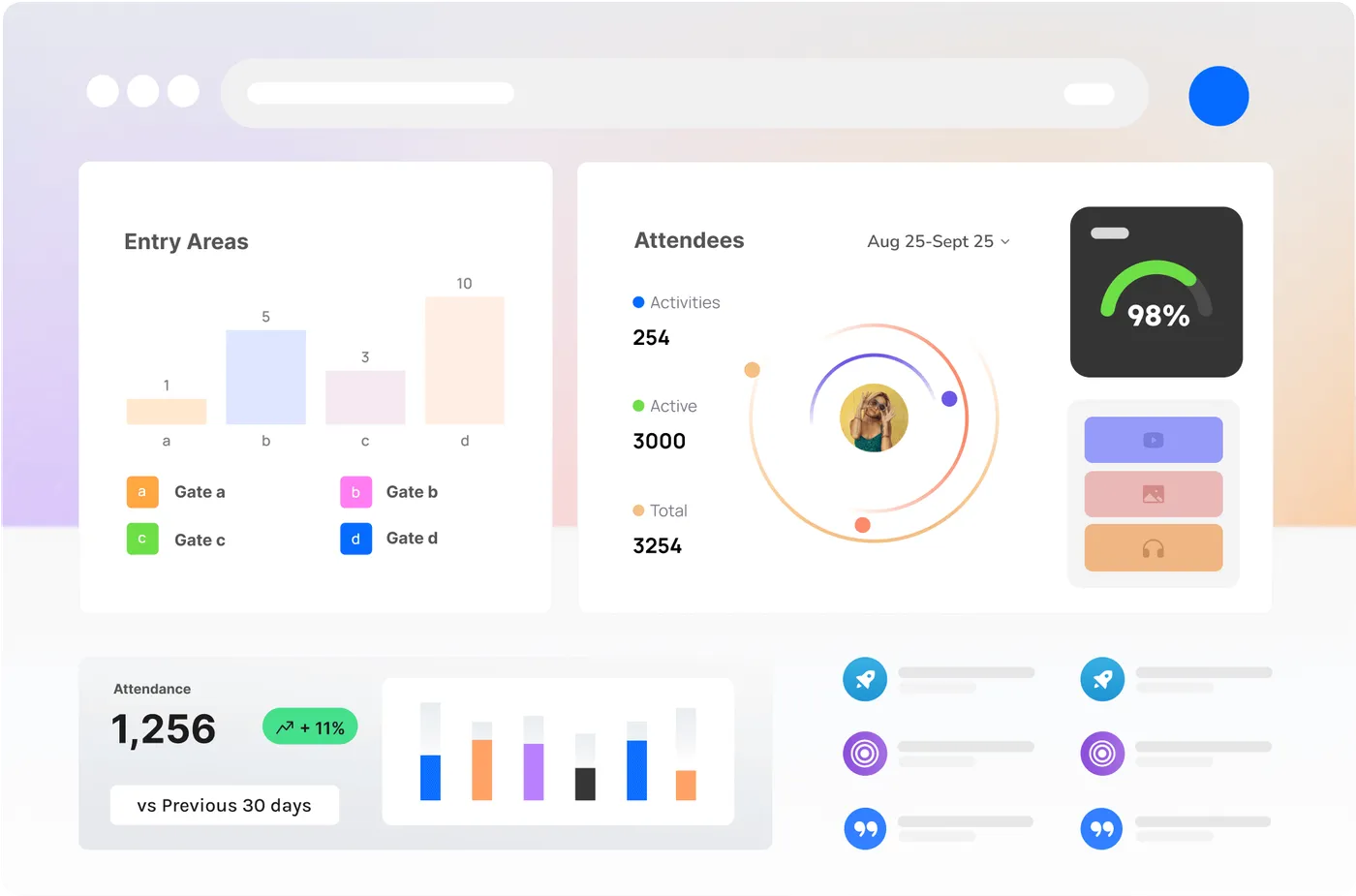
160+ apps pipe live data straight to the screen without anyone touching it: Power BI, Tableau and Looker Studio dashboards, weather, news and transport, social walls, and Teams, SharePoint, Google Calendar and Canva. Playlists are scheduled by time, day or date range, screens switch themselves on before open and off after close, and content is cached on the player so a network dropout never means a black screen.
For fleets, workspaces group screens, content and users by venue, department, client or event, and roles control who can design, schedule or publish, so a sponsor or a caterer can be given their own playlist without being given your network. Remote monitoring shows every screen’s status, current content and connectivity from one view, players update over the air outside your event hours, and a REST API automates provisioning and reporting from your own systems.
Who it is for
A single screen behind a bar or at a box office. An event fleet that stands up for a season and packs down after it. A venue, precinct or multi-site operator with a hundred screens and many hands on them. The platform is the same at every size; what changes is how many players arrive in the box.
Where to read more
The signage hub is at /signage, the crowd-aware features at /signage/live-data and the full feature list at /signage/features. To put a screen on your site, get in touch.