Most venues already own more cameras than they will ever need. What they do not own is a count. The footage goes to a recorder, the recorder goes to a cupboard, and “how many people came through the east door between two and three” is answered by someone watching it back at double speed.
The Vision Engine is how we turn that existing fleet into analytics without ripping anything out or buying anything new. This post covers what it is, what it will talk to, and how a camera goes from a stream on your network to a number on your dashboard.
What it is
The Vision Engine is on-premises Windows software. It runs on a machine at your site, talks to the cameras you already have, and counts people and vehicles on that box. Only events leave the site: a line crossed, a zone joined, a count ticked over. The pictures stay on the machine, which means a thin or unstable link still works, and footage is never shipped to anyone to be analysed.
Each video channel runs as its own Windows process, and no Windows sign-in is needed to keep it running. A live view and a recent-events list sit beside the stream, so counting lines and zones can be set and checked on site without waiting on anything upstream.
Our catalogue describes it plainly: on-premises analytics for the cameras already on the wall. The Optic Node is for the places where there is no camera; the Vision Engine is for the places where there are plenty.
Two kinds of profile
A profile is the detection method assigned to a camera, and there are two families.
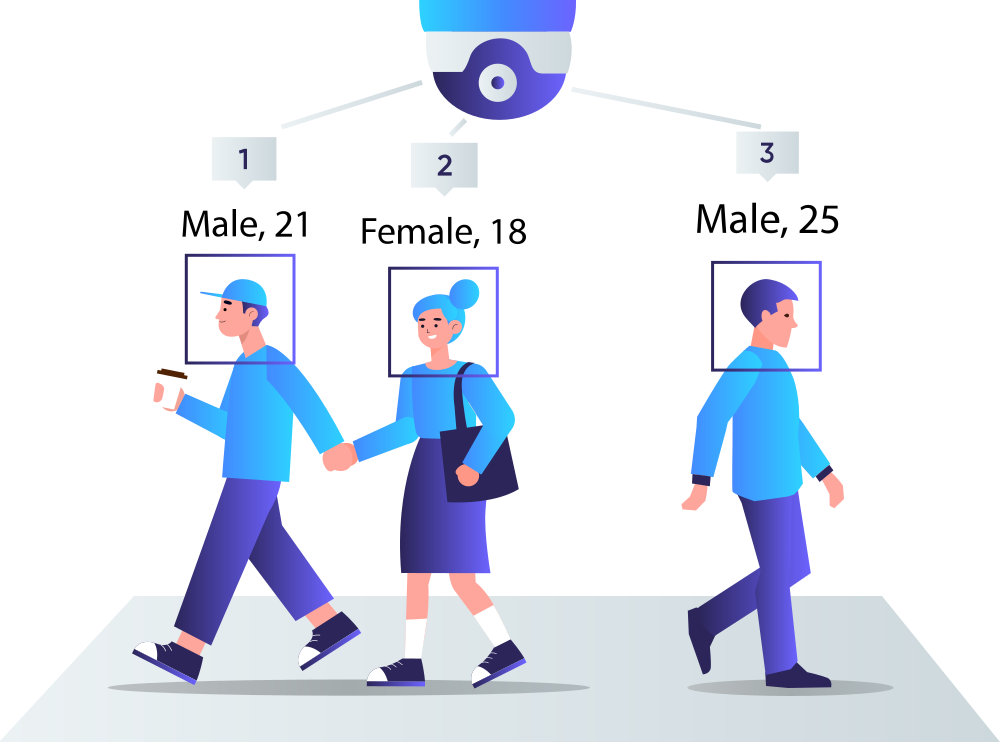
AI profiles use machine-learning models to detect people, vehicles or faces, and classify what they see: person, bike, car, van, truck, bus. They are less troubled by shadows and sun, and they need more processor, including a CPU that supports AVX2. Non-AI profiles use background extraction to detect any moving object. They do not classify, they are much lighter on the machine, and a given box will hold more of them. Which one a camera gets depends on what you need from it: a car park entry wants vehicle classes, a corridor count may not.
Profiles are also matched to how the camera is mounted. An overhead camera looks down at a tilt of 0 to 20 degrees; a tilted camera looks along the scene at 20 to 70 degrees. The spec sets out which profiles suit which angle, and how large a person or vehicle has to be in the frame as a percentage of its width, so a site walk is a measurement rather than a guess.
What it will talk to
Any webcam, and any IP camera that can stream RTSP. ONVIF is not required, but it is useful: Aura OS scans your network and connects ONVIF-compatible cameras automatically, so most modern IP cameras simply appear, ready to configure. For anything that is not auto-discovered, you add its RTSP or HTTP stream URL.
Resolution is forgiving. Any resolution works, and smaller frames around 360p are easier on the machine, provided neither side drops under 256 pixels. A discrete GPU is not required; it helps at the top of the channel range because it decodes video faster. The gated spec includes a hardware table showing how many channels a given class of machine will hold, so you can size the box before the walk.
3,600 brands and counting
The knowledge base carries a directory of more than 3,600 camera brands. If a brand is listed, it can typically connect via ONVIF or an RTSP stream URL, and the directory points you to the URL pattern for your make and model. It is the fastest way to answer “will ours work” before anyone comes to site, and if the camera is not there, we will check it for you.
From camera to insight in three steps
Add the camera, by ONVIF auto-discovery or by pasting its stream URL. Draw your counting lines, zones and regions of interest in Aura OS, or from the Companion App. Go live: anonymous metrics start flowing in real time, and no footage is stored.
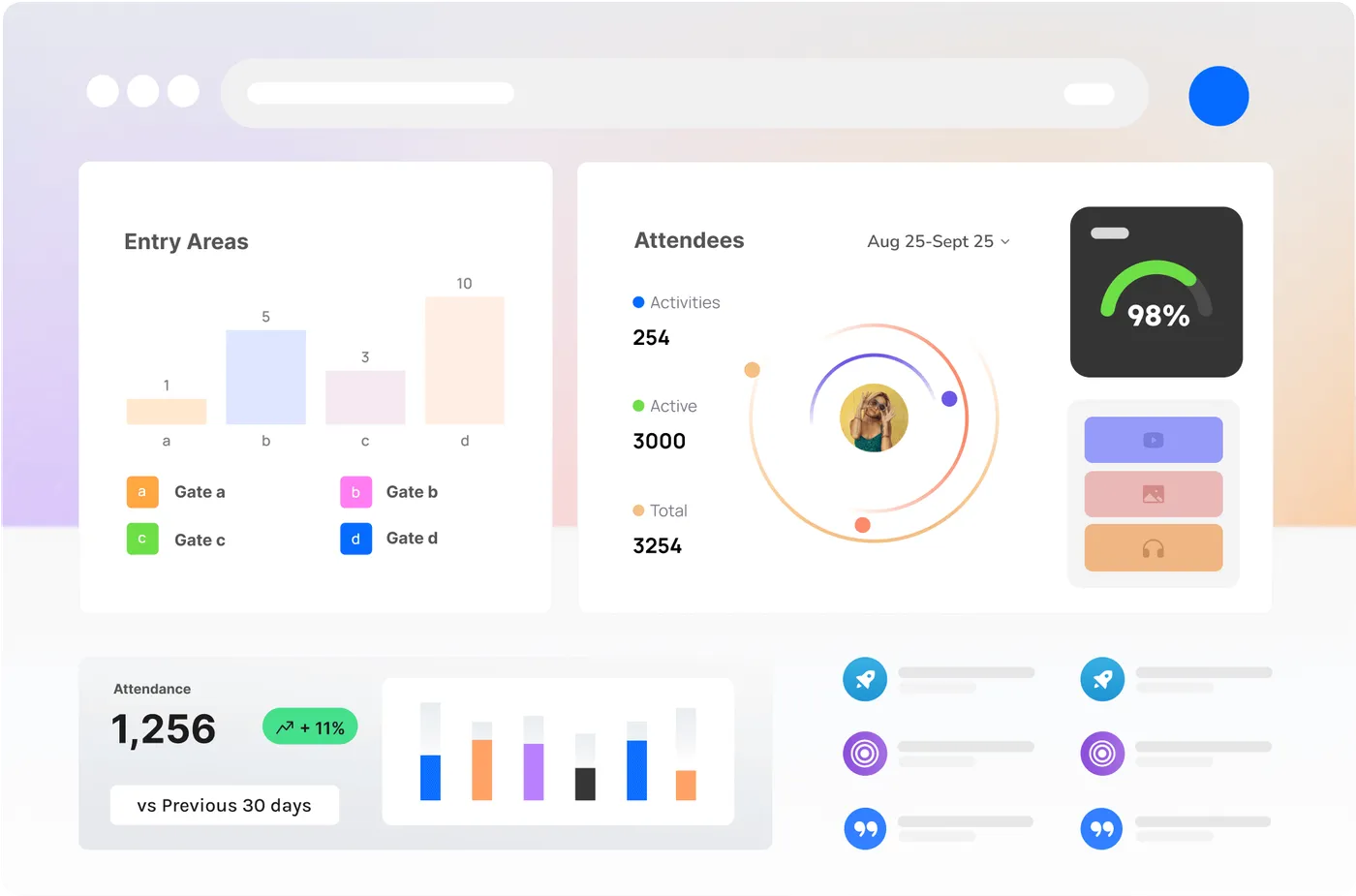
From there the data behaves like data from any other CrowdSense source. It lands on the same dashboards as Sense Nodes and Optic Nodes, it is covered by the same thresholds and alerts, and it is reachable through the REST API and webhooks for your own BI stack and automation. The apps that put people on a number draw on it too, so a queue building on an existing CCTV camera can open a job for the crew on that gate.
Who it is for
Venues and precincts with a CCTV estate and no analytics on it. Councils and retail centres with a camera already at every entry. Event operators who would rather connect a venue’s fixed cameras than mount nodes on every door. And anyone who has been told that counting means new hardware, when the lenses are already on the wall.
Where to read more
The spec, with the profile table, hardware guidance and camera rules, is behind a short form at /vision-engine. The camera directory and the connection steps are at /knowledge-base, and the API and webhooks at /integration. To check your own cameras, get in touch.