If you hold the budget
Producer
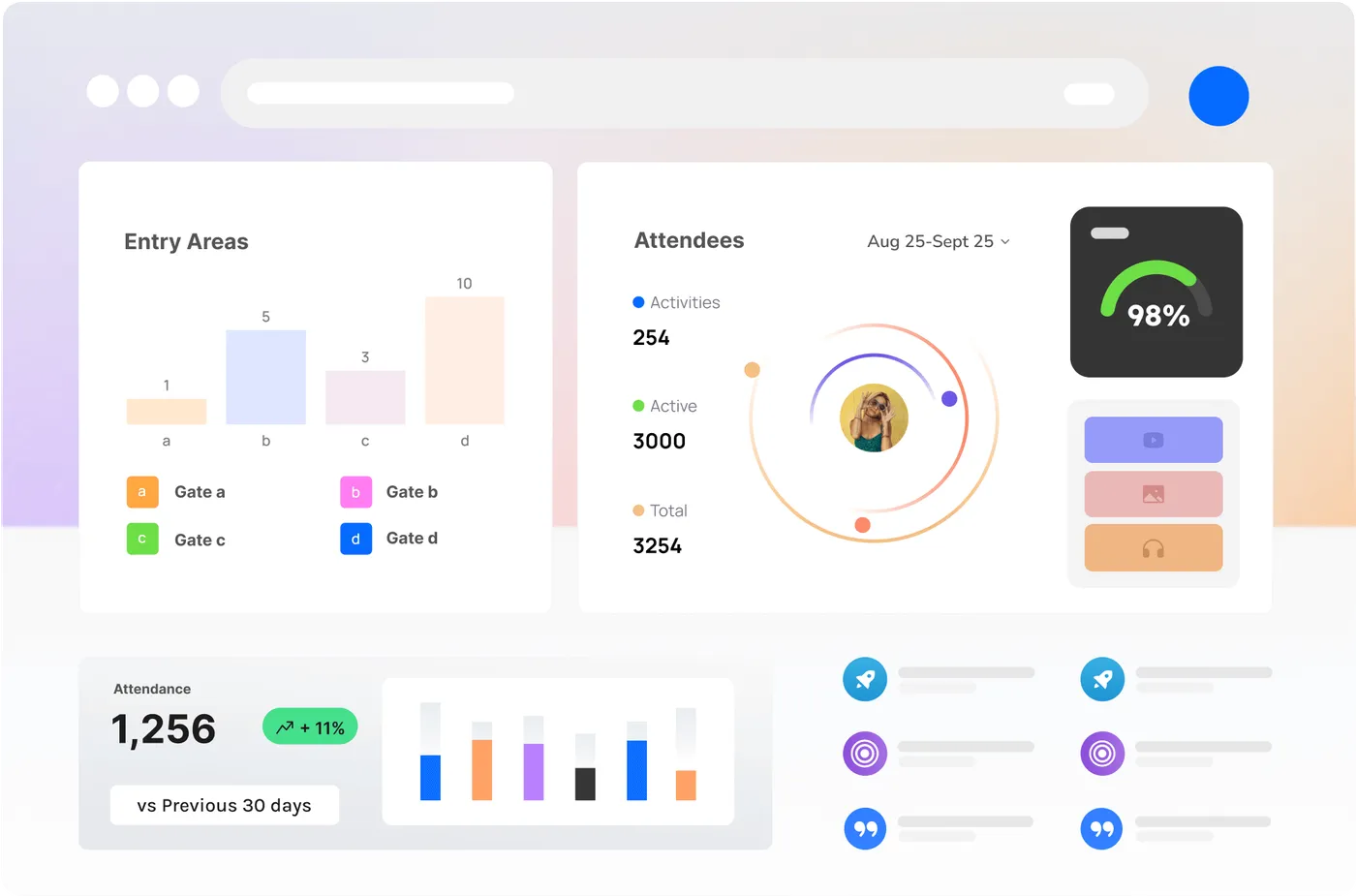
Sponsors and rights holders can see a board that is occupancy and flow, not a radio log. Ops still get the jobs and the names. Two layouts if you need them.
A grid of live tiles: people, teams, jobs, map, occupancy, weather. For the wall in the compound, the desk in the room, or a tablet walking the site.
If you hold the budget
Sponsors and rights holders can see a board that is occupancy and flow, not a radio log. Ops still get the jobs and the names. Two layouts if you need them.
If you run the night
This is the picture behind you when you are on the radio. People, teams, the jobs that are open, the map, the number on each gate. Dark mode for a room that stays on all night.
Every node on the site can be a tile: occupancy, queue, a small heatmap. Next to the roster and the open jobs, so the number and the people are one glance.
Who it is for: Control rooms, compounds, EOCs, a wall in the bay. Optimised for Big screens (tablet and phone too).
Drag, resize, keep. People, Zone teams, jobs, map, occupancy, weather, notes, a clock. Each tile has its own settings.
Who is green, who is on a job, which gate team is where. Summaries by zone so the wall is not a spreadsheet.
Jobs with a reason and a place. Colour for urgency. Filter to the zone you care about.
Map with live people and teams, plus the nodes. The same site plan Command is using.
The wall moves when the field moves. If the link drops, it reconnects. It does not sit on a five-minute refresh.
Designed for a mounted display. Fine on a tablet in the compound and a phone if you have to leave the room.
Pick the tiles for this room. Occupancy and people first. Weather if the site is outdoors.
The room reads it. Allocate works in front of it. Command can sit beside it.
Board is the now. Command’s timeline is the then. They share a backend, not a screenshot folder.
Plain questions. The answers change which app we mount, and where.
We will ask
A public foyer and a closed compound are different boards. Default is ops-only names.
We will ask
We will not design you a video wall you cannot house. A 55-inch in the compound is enough.
The Control Room is the operator console: alerts, takeover, recall, the Brain. Board is the wall the rest of the room watches. They share the live picture. They are not the same screen.
A layout without names and without safety jobs, yes, if you want that. Default is the ops wall. We will not put medical jobs on a public screen.

Tell us who is in the room and which gates get a tablet. We will not invent a fifth radio channel.